Are you tired of a slow VPS that keeps crashing your GSA Search Engine Ranker campaigns? We’ve been there too.
After running GSA SER for a few months, we learned that the right VPS can make or break your whole link-building campaign.
GSA SER needs a lot of power. It needs fast processing, plenty of memory, and a stable connection that runs every single day. Most cheap VPS servers just cannot keep up, and we found this out the hard way through trial and error.
So we did a proper manual setup ourselves; we tested real VPS providers and checked their speed, performance, and reliability.
We also kept in mind that Google values backlinks a lot, and GSA SER is one tool that creates them non-stop. But to keep it running smoothly, it needs a strong VPS to avoid crashes or slowdowns.
Below, we’ve shared the exact providers we picked, along with the full setup steps, so you can get started fast and build links the right way.
What Is a GSA Search Engine Ranker?
GSA SER (Search Engine Ranker) is an automated link-building software made by a company called GSA.
It is a powerful software designed to help in automating link-building, so it becomes easier for website owners and SEO professionals to increase their website’s visibility in search engines.
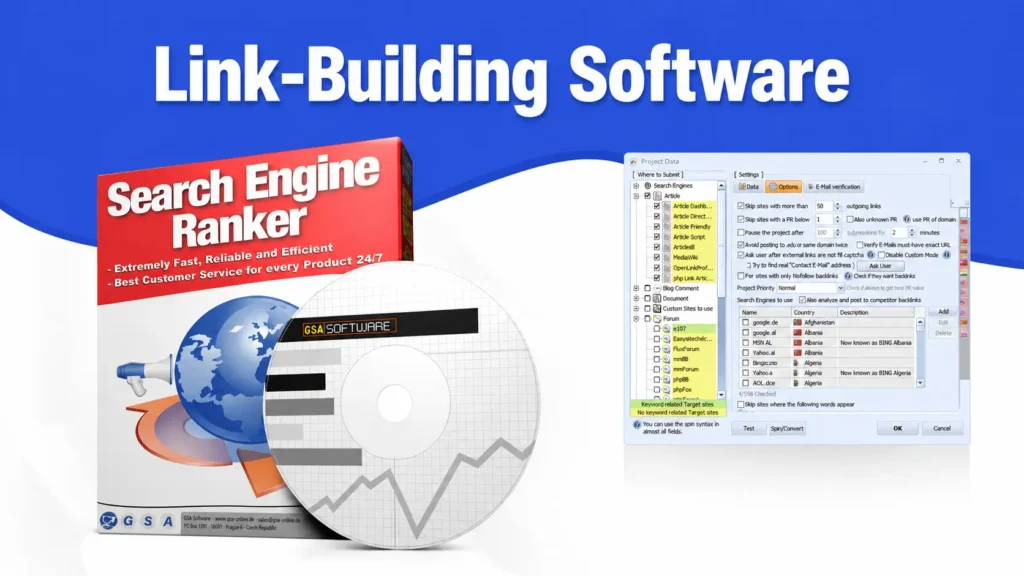
It automatically creates backlinks to your website on thousands of other websites. Instead of manually going to 1000 websites and posting your link, this GSA SER does it all for you automatically while you sleep.
What It Does
Most of the SEO professionals and digital marketers want to rank their websites on Google faster by using this. So it needs a powerful VPS to run properly, and this is why people search for the best VPS in 2026.
Why You Need a Dedicated VPS for GSA Search Engine Ranker
Some possible good reasons are not just optional but essential as to why you should have a dedicated VPS for your GSA Search Engine Ranker.
Note
If you don’t have a dedicated VPS, GSA SER either won’t be able to run properly or will get blocked fast, resulting in wasting your time and money.
Minimum VPS Specs for GSA SER (What You Actually Need)
Before picking your VPS, you need to know what specs actually matter for GSA SER. Running too low on power means crashes and slow link building.
Here’s the minimum setup you need to run your GSA Search Engine Ranker smoothly without wasting your money on things you don’t require.
| Use Case | Requirement |
|---|---|
| CPU processors | At least 4 to 6 vCPUs (8 cores are recommended for heavy use) |
| RAM | Minimum 8GB (16GB+ recommended for running multiple threads) |
| Storage | 50GB+ SSD storage (SSD is a must for speed) |
| OS | Windows Server (2016/2019/2022) |
| High bandwidth | Unmetered or at least 1 TB+ bandwidth per month. |
| Dedicated IP | Yes, a private dedicated IP (not shared) |
Once your VPS matches or beats these specs, GSA SER will definitely run smoothly rather than crashing or interrupting.
Now, let’s look at the best VPS providers that we have picked for you and deliver these specs at a fair price.
6 Best VPS for GSA Search Engine Ranker in 2026 (Top Picks)
To pick the right VPS provider when so many claim to be “the best.” We have narrowed it down to the best 6 providers that actually deliver the speed, stability, and power that your link-building software demands.
It is completely based on real performance from the SEO community. Here are the picks.
Asia Virtual Solutions
Asia Virtual Solutions is widely known as your go-to VPS provider that is built specifically for GSA Search Engine Ranker. We have kept this provider ranking first in our list, as it comes across as one of the most popular providers in 2026.
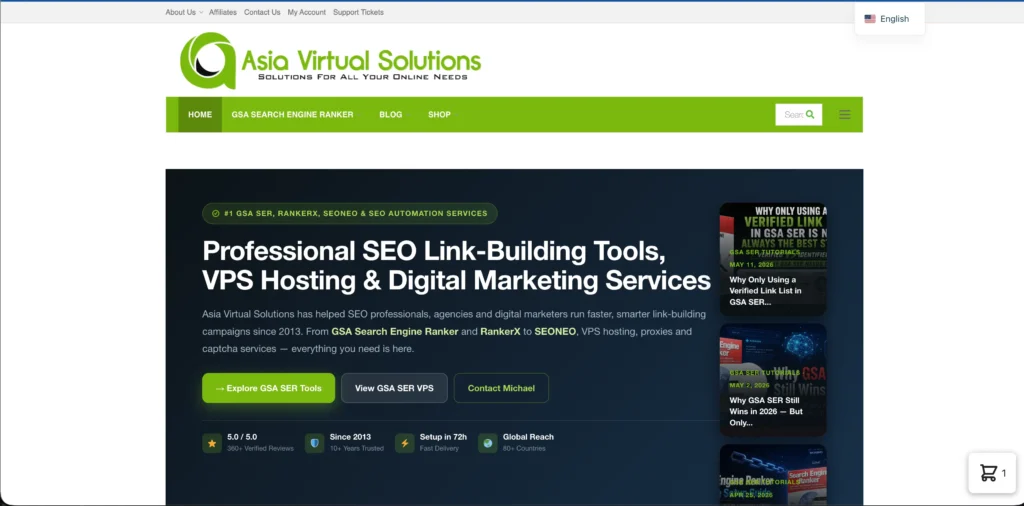
It is not like generic hosting, where everything comes pre-configured for you; instead, it is already installed and ready to run from your first day.
You get dedicated proxies that refresh every 15 minutes with unlimited CAPTCHA solving powered by XEvil and DeepSeek AI. This provider has been serving SEO professionals since 2013, with 80+ countries served till now.
Key Features
Here are the core features of this first ranking provider:
Pros & Cons
Here are some pros and cons of this provider:
Pros
- Fully inclusive all-in package.
- Pre-configured & Optimized.
- Hands-on SEO support.
- High-speed resources.
- Real-time link lists.
Cons
- Shared/Public proxy dependency.
- Resource intensity.
Best for
Asia Virtual Solutions is best for:
Kamatera
Kamatera is second in the list, coming as a solid option for you to run your GSA SER if you desire full control over your server setup. Here, you only pay and pick exactly how much CPU, RAM, and storage you need.
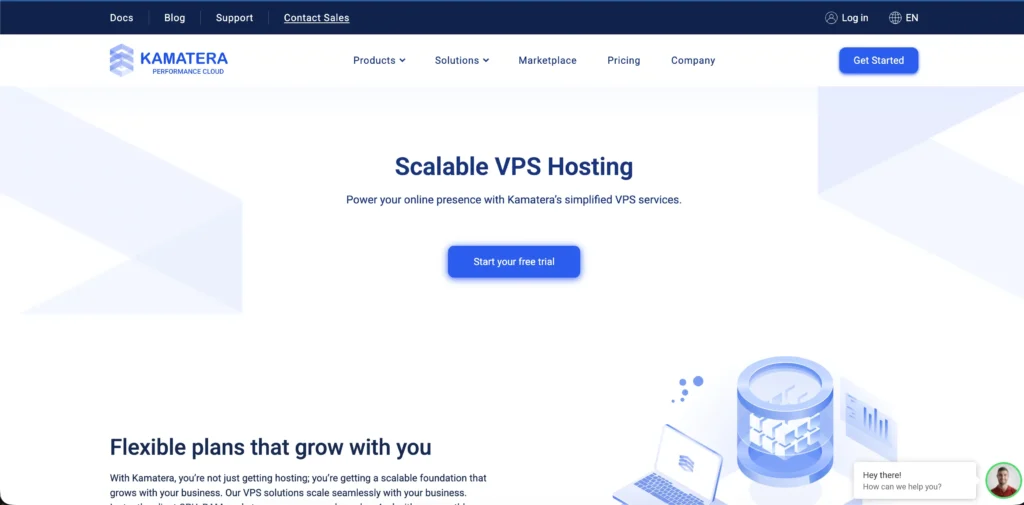
You only pay for what is actually your GSA requirement. It runs on Intel Ice Lake processors and NVMe SSD storage, which keeps your thread counts high and your campaigns running smoothly.
It offers you a 30-day free trial with a $100 credit so you can easily try their servers before making a final choice.
Key Features
These are Kamatera’s major features:
Pros & Cons
Here are some pros and cons of Kamatera:
Pros
- Blazing fast processing speeds.
- Extreme level of scalability.
- Hourly billing model.
- General trial period of 30 days with a $100 credit.
- Dedicated & Clean IPs.
Cons
- Extra cost for add-on features.
- Costing a Windows license.
Best for
Kamatera is best used for:
UltaHost
UltaHost is a budget-friendly Windows VPS option that works really well for running your GSA SER and not breaking your bank. It runs on AMD EPYC processors with NVMe SSD storage, which allows your search engine ranker enough speed to maintain solid thread counts.
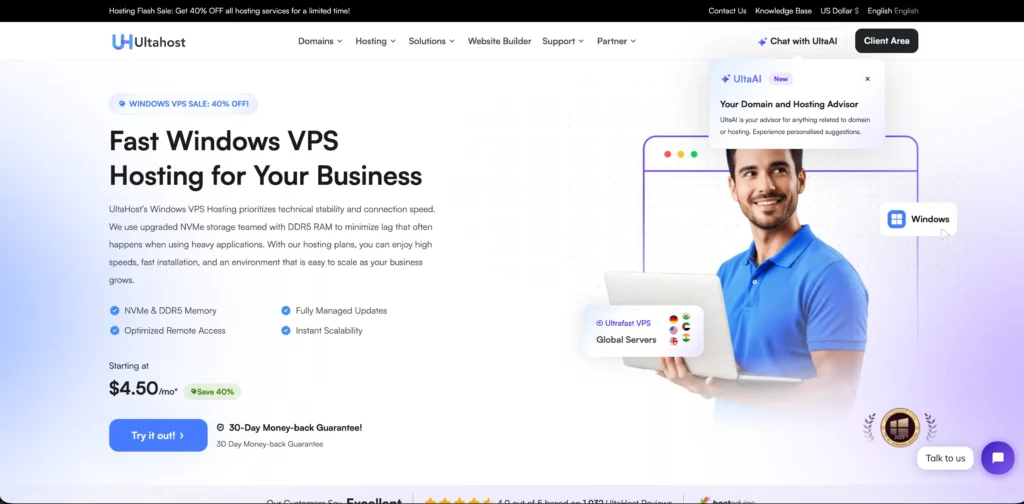
You get free DDoS protection and real-time snapshots that come included in their VPS plans. Pick this provider if you want your campaigns to be safe and recoverable.
This platform delivers flexible billing with cryptocurrency payments and a 30-day money-back guarantee. It is a completely reliable and affordable server for your link-building workloads on a tighter budget.
Key Features
Here is a clear breakdown of UltaHost’s major features:
Pros & Cons
UltaHost’s pros and cons are as follows:
Pros
- Windows compatibility.
- NVMe SSD storage.
- Budget Pricing.
- Built-in Security.
- Unlimited bandwidth.
Cons
- Sometimes support is inconsistent.
- Resource Limits
Best for
UltaHost is best used for:
Cloudzy
Cloudzy has quietly become a favourite of SEO users for GSA SER, and it’s very easy to use. It is not like the generic VPS providers.
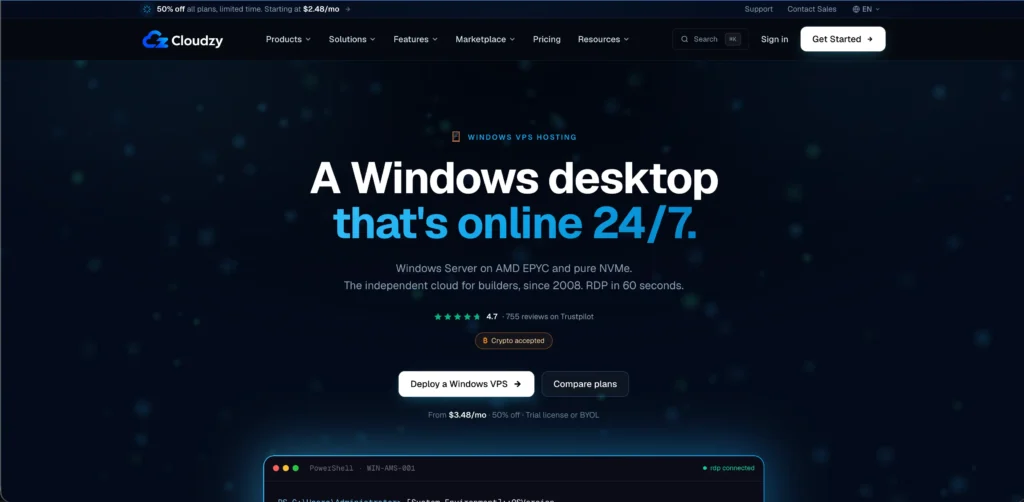
Cloudzy offers instant deployment, NVMe SSD storage, and locations across 13 regions that are just one click away, so you can pick your server closest to your target audience. Pricing starts as low as that, without sacrificing your speed.
Their Windows VPS plans come pre-configured for automation tools like GSA SER, and they do not require KYC verification. You can try this platform risk-free because of their 14-day money-back guarantee.
Key Features
Let’s see its major features:
Pros & Cons
Here are some major pros and cons that you should see:
Pros
- High-performance hardware.
- Dedicated IP Addresses.
- Cost-effectiveness.
- unmetered/high-speed bandwidth.
- Flexible payment methods.
Cons
- Licensing costs.
- Only a ticketing system for support.
Best for
Cloudzy is best for:
InterServer
InterServer has built a loyal fan following when it comes to their VPS users and long-time SEO users for one major reason: price-lock guarantee.
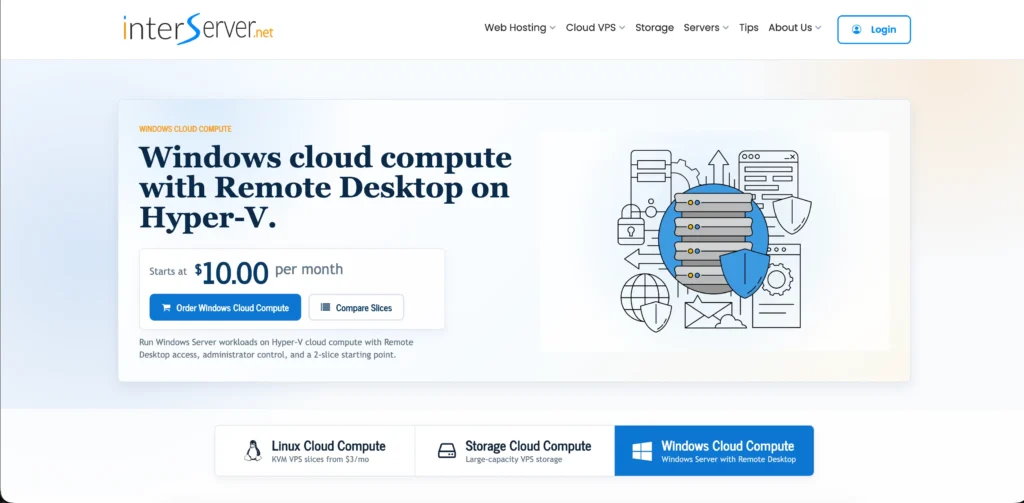
Once you sign up here, your rate never increases, which is almost unheard of in the VPS world. It has slice-based pricing that easily allows you to scale your RAM and CPU power in small steps, instead of forcing you into big and expensive packages.
Their servers run on solid and reliable hardware with a good uptime of 99.9%. Setup is very quick here with Windows options.
Key Features
Here are the major features that you should see for your GSA service:
Pros & Cons
Here are the pros and cons of InterServer:
Pros
- Unbeatable scalability.
- Affordable pricing.
- Dedicated resources.
- Massive network speeds.
- Generous storage options.
Cons
- It does not have an SEO-all-inclusive setup.
- You don’t have any pre-bundled CAPTCHA solver integration.
Best for
InterServer is best for:
ScalaHosting
ScalaHosting truly stands for your SEO automation because of its self-built SSHield security system, which actively blocks malicious traffic in real-time, and this is a real plus point for you.
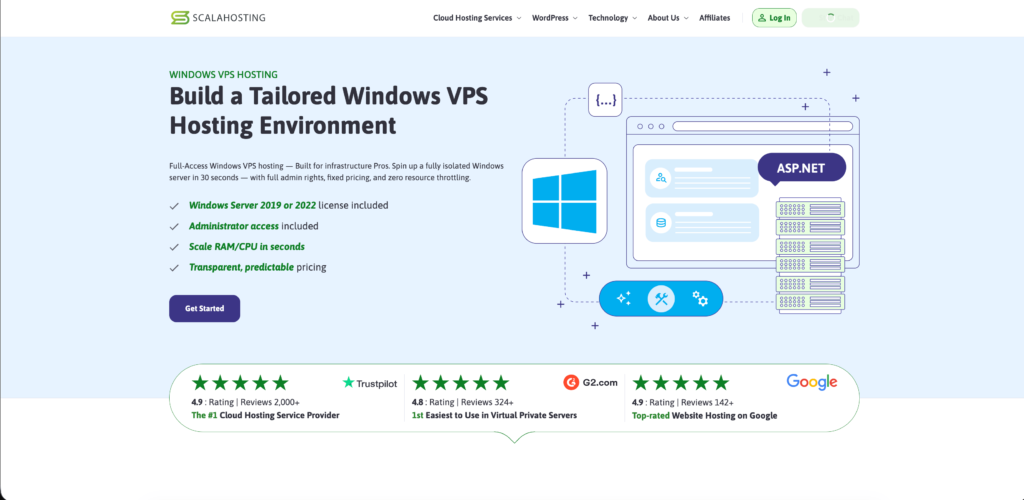
If you are running your GSA SER’s automated submission threads across hundreds of sites. Here, scalability is another strength; you can upgrade RAM and CPU on the fly as your campaigns grow.
It allows your 24/7 in-house support and solid uptime. You can choose between Windows 2019 or Windows 2022 standard server editions with the license fee included in the price.
Key Features
Here are the core features of ScalaHosting:
Pros & Cons
Here are the pros and cons of ScalaHosting:
Pros
- Unmetered bandwidth & NVMe storage.
- Dedicated and stable resources.
- Excellent uptime & network.
- Reliable support.
- Dedicated IP Address.
Cons
- Predominantly Linux-focused.
- Not pre-optimized for SEO tools.
Best for
ScalaHosting is best for:
Managed vs Unmanaged VPS for GSA SER
When you are running your GSA SER (a backlink-building automation tool), the VPS hosting it needs to run 24/7 with stable resources, since the software constantly creates content, solves CAPTCHA, and submits links across thousands of sites.
You need to choose between a managed and an unmanaged VPS, which comes down to how much technical setup and maintenance you’re willing to handle yourself vs. paying someone else to do it.
| Aspect | Managed VPS | Unmanaged VPS |
|---|---|---|
| Setup | The provider configures the OS, software, and firewall. | You configure everything yourself. |
| Cost | More expensive | Cheaper |
| Maintenance | The provider handles updates, patches & monitoring. | You handle all maintenance. |
| Support | 24/7 support included | Limited or no support. |
| GSA SER optimization | Provider may pre-tune for SEO tools (some hosts specialize in GSA-ready VPS) | You install and tune GSA SER, .NET, and the captcha solver VPS services yourself. |
| Best for | Beginner of those wanting hands-off reliability. | Experienced users who want full control and lower cost. |
Most of the people running a serious GSA Search Engine Ranker, a managed VPS is perfect, specifically from a host that supports SEO/GSA workloads. It should save your time, reducing downtime risk.
Choosing an unmanaged VPS is for users who are comfortable with server administration and who want to cut costs and customize their setup, like installing specific captcha solvers and proxies without restrictions.
How to Set Up GSA SER on VPS (Step-by-Step)
Now comes the interesting part, where you will understand by clear and concise steps how you can set up your GSA SER on Windows.
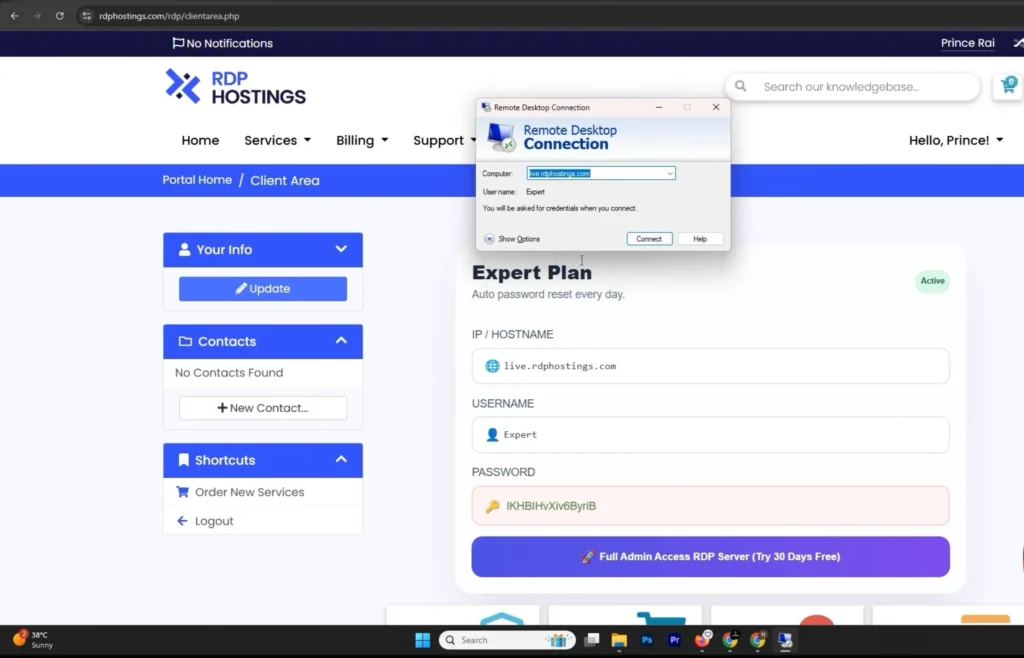
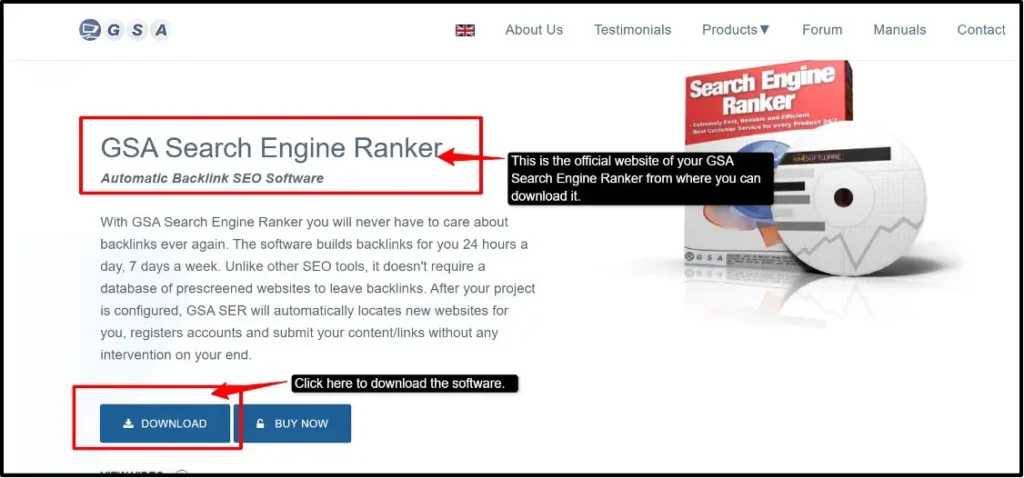
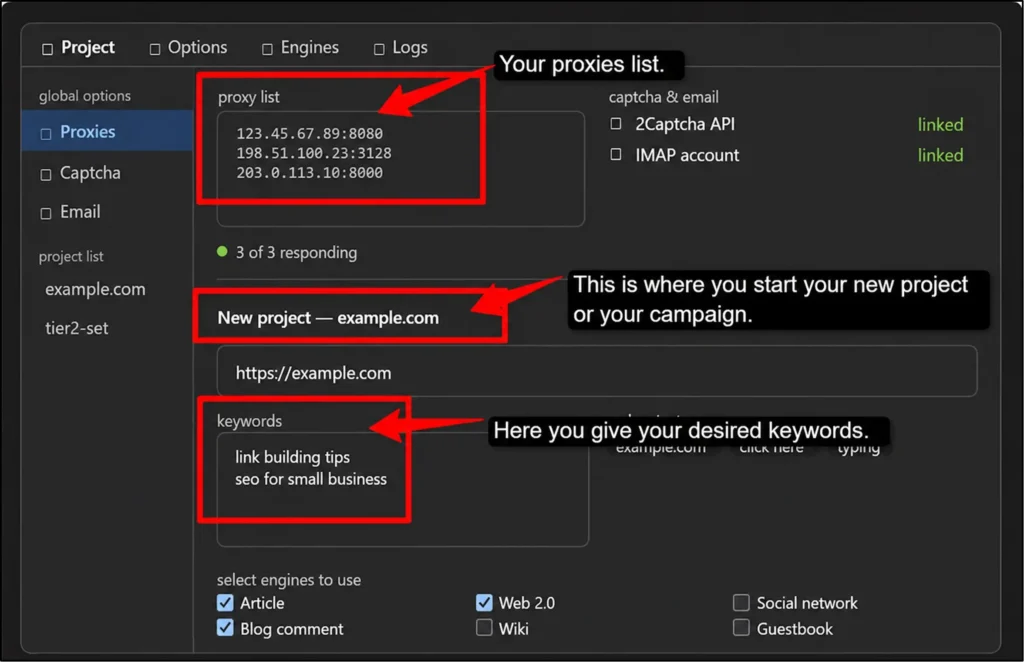
Here, the steps that we have mentioned stay the same for every provider, regardless of which specific provider you go with, since GSA SER just needs valid login credentials, an IP, working proxies, and a captcha API.
Best Practices for 24/7 backlinking to run GSA Search Engine Ranker on RDP
If you want to run your GSA search engine ranker on an RDP, continuous backlinking works best with these practices:
A well-configured dedicated RDP with private proxies and a reliable captcha solver is the biggest factor in keeping your GSA SER running smoothly around the clock.
FAQs:
Can I run GSA SER on Linux?
No, GSA SER is a Windows-only application built on .NET. In order to run it on Linux, you would need Wine or a Windows emulation layer, which is unreliable for 24/7 automation. The practical fix is about renting a Windows VPS/RDP instead.
Do I need a captcha solver on my VPS?
Yes, almost always. Most sites GSA SER submits to use captchas, and if you do not have an automated solver like GSA Captcha Breaker or a third-party API service, success rates can drop sharply, and submissions can stall.
How many campaigns do you plan to run simultaneously?
This completely depends on your VPS specs, not preference. As a rule of thumb, 1-2GB RAM per active campaign with CAPTCHA solving running. Start with 2-3 campaigns on a modest VPS (4-8 GB RAM) and scale up only if CPU/RAM stay under 80% load.
Can I install other SEO software on the VPS?
Yes, as long as the VPS has enough resources. Many users run Scrapebox, Screaming Frog, or proxy management tools alongside their GSA SER. The risk is resource contention, so check RAM/CPU headroom before adding more software.
Do I need proxies with my GSA VPS?
Yes, for any serious volume. If you don’t have proxies, your VPS’s single IP gets rate-limited or blacklisted fast. If you use private/dedicated proxies and not the shared or public ones, the first ones are always recommended for a stable submission rate.
Which operating system is best for GSA SER?
Windows Server (2012/2016/2019/2022) or Windows 10/11, since GSA SER is Windows-only software. Its editions are generally preferred for your VPS environments because they are built for headless and long-running server tasks.
Conclusion
GSA SER is a powerful link-building tool, but its performance depends almost entirely on the environment in which it is.
You choose any kind of VPS, managed or unmanaged, the right operating system, sufficient RAM, and proxies with a reliable captcha solver. Every piece matters here for keeping campaigns running smoothly around the clock.
If you are a beginner or you are someone who wants hands-off reliability, the best-managed Windows VPS with configured GSA SER support is the safest choice.
But for experienced users who desire full control with lower costs, an unmanaged VOS paired with private proxies and a solid CAPTCHA-solving setup can deliver the same results at a fraction of the price.
Either way, the goal stays the same: a stable, 24/7 environment that lets your link-building software or tool do its job with no issues of facing any interruptions.
💡 Most Loved Article!