
Just think that you built an amazing Laravel app with clean code, a smooth UI, and powerful features. You share the link, but visitors leave within seconds because the page takes 10 seconds to load.
All that hard work, wasted. The problem? Bad Hosting.
This is more common than you think.
Laravel is one of the fastest growing PHP frameworks that powers over 3.2 million websites every year. Small startups & developers use Laravel as it is 100% secure and has fast development capabilities.
As per our decade of expertise in this niche, a good Laravel app depends upon a good hosting provider. It’s the one that supports PHP 8+, Composer, and environment configurations.
Exclusively for you, we’ve tested 10’s of hosting providers and shortlisted the 7 best Laravel hosting options. This list is as per how the hosting provider performs and the developer experience, so now you don’t have to worry and waste your time.
Let’s first understand Laravel hosting.
What is Laravel Hosting?
Laravel hosting refers to a kind of web hosting enhanced for running applications built with the Laravel PHP framework.
It is a hosting that specifically caters to Laravel applications and provides the server environment, tools, and configurations that Laravel needs for better performance with faster loading times. It has been designed to build different web applications following the MVC (Model-View-Controller) architectural pattern.
A very critical step before creating or building your website is deciding on your framework or your development approach. So, Laravel is a good choice if you want an easy-to-use framework for building your modern web applications.
Minimum Server Requirements for Laravel Hosting
Laravel hosting only works when you meet all the necessary server requirements. Your server must be following the stack components for your Laravel hosting, like:
| Requirement | Minimum Version | Recommended |
|---|---|---|
| PHP Version | PHP 8.1 | 8.3 or higher |
| Database | MySQL 5.7/PostgreSQL 13 | MySQL 8.0 or PostgreSQL 15 |
| Web Server | Apache 2.4/NGINX 1.18 | Latest stable NGINX or Apache |
| RAM | 1 GB | 2-4GB |
| Storage | 10 GB SSD | 20 GB + NVMe SSD |
| SSH Access | Optional | Full SSH Access |
| Composer | Composer 2.x | Latest Composer 2.x |
| SSL Certificate | Basic SSL support | Free SSL with Auto Renewal |
| Uptime Guarantee | 99.95% | 99.99% |
| Cron Jobs | Basic Cron Job Support | Unlimited Cron Jobs with custom scheduling |
Meet these minimum server requirements, and you can have a smooth Laravel hosting experience with better security and performance.
Top 7 Best Laravel Hosting
Now we have shortlisted these 7 best Laravel hosting providers that fulfil your Laravel hosting needs and even offer better performance and long-term compatibility. So let’s look at each of these in a concise table form:
| Provider | Starting Price | PHP Support | SSH Access | Uptime SLA | Best For |
|---|---|---|---|---|---|
| Cloudways | $11/month | 7.4-8.4 | Yes | 99.99% | Managed Laravel hosting |
| Kamatera | $4/month | Custom PHP setup | Yes | 99.9% | Flexible Cloud VPS |
| Hostinger | $6.30- $6.59/month | 7.x- 8.x | Yes | 99.9% | Beginners & small projects |
| DigitalOcean | $4/month | Custom PHP support | Yes | 99.99% | Developers & scalable apps |
| vultr | $3.50/month | Custom PHP support | Yes | 99.99% | Budget cloud hosting |
| Hosting.com | $3.99/month | 7.x-8.x | Yes | 99.9% | Affordable shared/VPS hosting |
| InterServer | $2.50/month | 7.x- 8.x | Yes | 99.9% | Cheap VPS & long-term hosting |
Each of these Laravel hosting providers brings different kinds of advantages and support to the table. Managed platforms like Cloudways simplify deployment and maintenance, while providers like DigitalOcean, Vultr and Kamatera offer greater flexibility.
Select the provider that improves your Laravel application’s speed and long-term performance.
Top 7 Best Laravel Hosting (2026)
Now you know the major aspects related to Laravel and how the choice of your Laravel hosting can make all the difference. So, select as per your requirements and what the providers offer. We have drafted the 7 best Laravel hosting options for you.
Cloudways
Cloudways can provide a fast, scalable hosting experience with its fully managed Laravel hosting. It is a developer-friendly platform, and to date, it has 15000+ Laravel apps and offers a smooth cloud hosting experience.
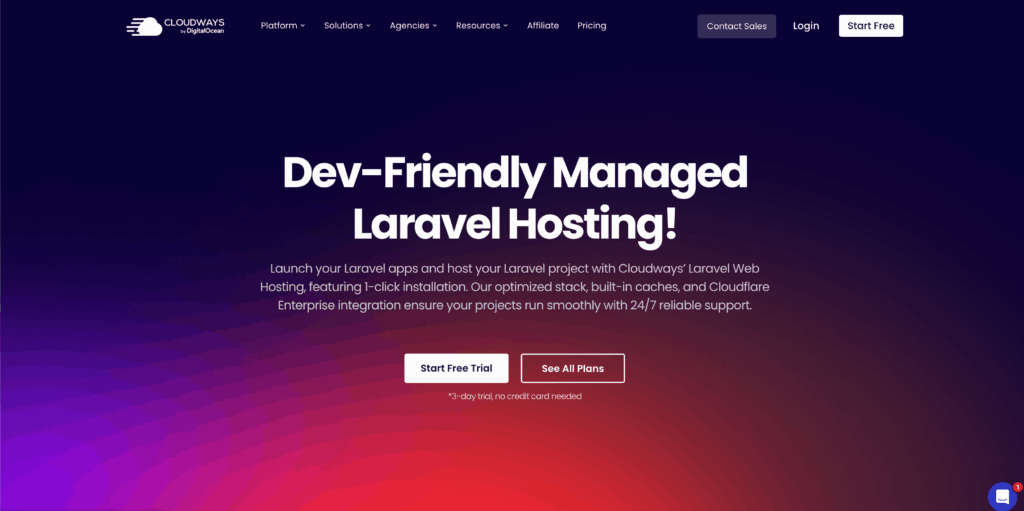
It lets you easily run your Laravel apps on powerful cloud servers like DigitalOcean, Google Cloud, and Amazon Web Services. Cloudways is designed with the idea that Laravel needs more than hosting; it requires an improved level of experience.
Here, you don’t need to manually install Laravel every time. Here you get their features like Git deployment and staging environments, and you can use their high-level stack like PHP-FPM, Redis, Varnish, and Apache.
Key Features
Let’s see some of the key features of Cloudways and understand it better:
Pros & Cons
Let’s see some of the pros and cons of Cloudways:
Pros
- You get one-click deployments.
- Staging tools environment.
- Optimized server stacks.
- Flexible infrastructure.
- No application limits.
Cons
- No internal email hosting.
- There are some limits in the support system.
Pricing/Rating
Let’s see the pricing plans for Cloudways. Laravel hosting:
| Plan | Pricing | Resources |
|---|---|---|
| Micro | $11/month | 1GB RAM, 1 vCPU, 25GB Storage, 1TB Bandwidth. |
| Small | $24/month | 2GB RAM, 1 vCPU, 50GB Storage, 2TB Bandwidth. |
| Medium | $46/month | 4GB RAM, 2 vCPU, 80GB Storage, 4TB Bandwidth. |
Cloudways offers you a 3-day trial, with no credit card required.
Kamatera – Overall Best Free Laravel Hosting
If you are running a business that is a high-blogging website with high traffic, then Kamatera comes to you as a package. Kamatera works with its powerful cloud servers, where you can build your Laravel environment and get consistency with performance.
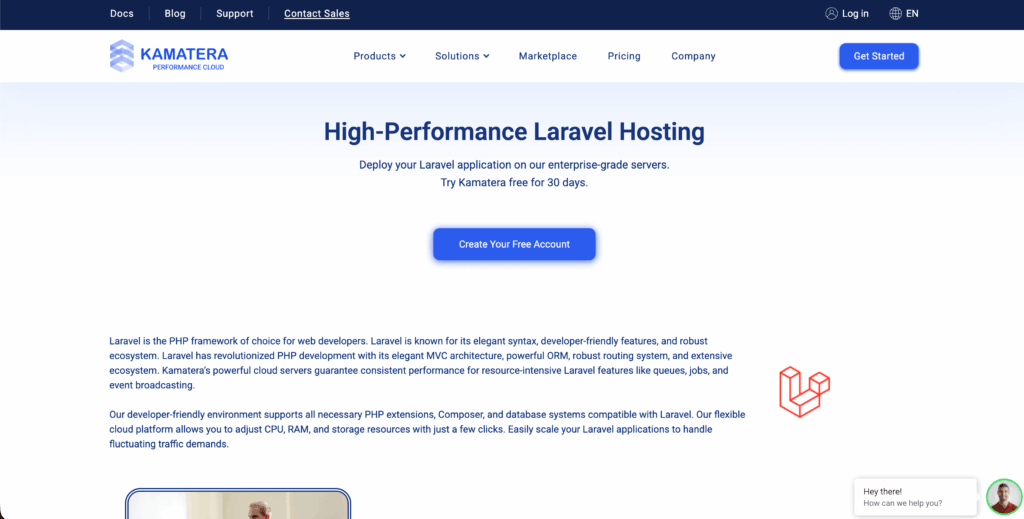
It has a complete developer-friendly environment that allows you complete root access with flexible plans. You can easily run your Laravel applications on their enterprise-grade servers.
Their developer-friendly atmosphere combines the major aspects like PHP extensions, Composer, and database servers that are completely compatible with their Laravel applications. You can have full control of your cloud hosting with Kamatera with their powerful processors and NVMe storage.
Key Features
Let’s dive into the key features of Kamatera:
Why Kamatera Works Well for Laravel
Kamatera comes with its full-packed features and delivers you the user experience with its Laravel hosting. But there are certain main reasons why it is best for your Laravel, like the following:
Pros & Cons
Kamatera has some pros and cons as a Laravel hosting provider:
Pros
- Uses cutting-edge hardware with fast performance.
- An extreme level of customization.
- Easily scale vertically and horizontally.
- Affordable and flexible billing.
- Global Presence.
Cons
- Limited managed support.
- There are some complexities in the setup.
Pricing/Rating
Let’s see the pricing plans for Kamatera Laravel hosting:
| Plan | Pricing | Resources |
|---|---|---|
| Basic | $4/month | 1 vCPU, 1 GB RAM, 20 GB NVMe storage, and 5,000 GB traffic. |
| Small | $20-$25/month | 4GB RAM and multi-threaded CPUs. |
| High Projects | $64-$100/month | 8GB RAM handles heavy traffic. |
Kamatera offers a 30-day free trial with a $100 credit.
Hostinger
Hostinger is introduced as an affordable hosting platform with major web development features for your small- to medium-sized Laravel projects. It has a very simple-to-use control panel, hPanel, and it does not have the rigid kind of setup.
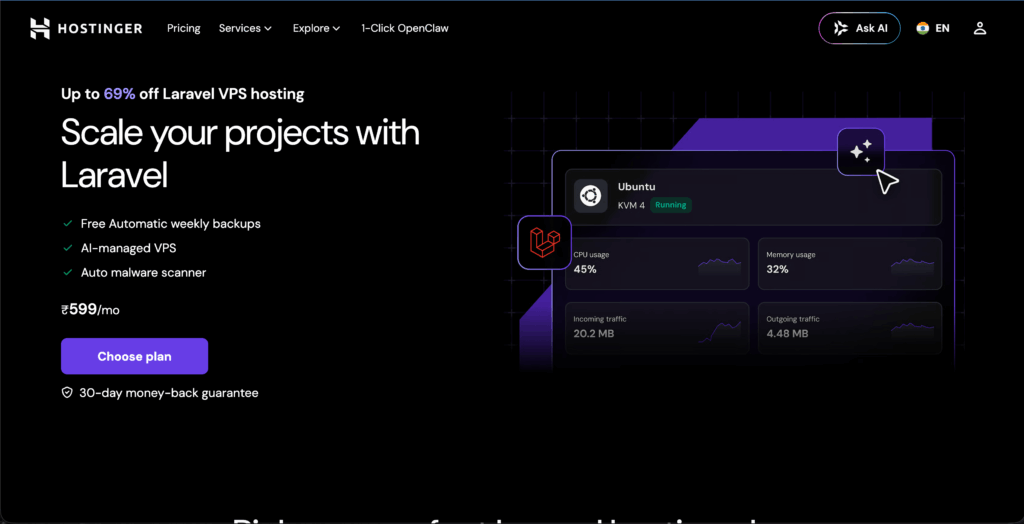
You get complete root access, SSH, and the ability to configure your own stack, like NGINX/Apache and PHP versions. Just connect with Hostinger and scale your projects in Laravel with free automated weekly backups and data centres located worldwide.
You can easily build dynamic kinds of Laravel apps because of its advanced features like routing, authentication, and database management. Hostinger will work best if you want affordable but capable Laravel hosting with flexibility and reliability.
Key Features
Hostinger’s features are as follows:
Why Developers Choose Hostinger for Laravel
Developers use Laravel because it speeds up their development with tools and avoids repetitive coding. There are certain major factors why developers can go with Hostinger, like the following:
Pros and Cons
Let’s find Hostinger’s pros and cons:
Pros
- Highly Affordable ‘
- One-click installation.
- Advanced performance tools.
- Developer-friendly Features.
- Custom control panel (hPanel).
Cons
- Basic security on low-tier plans.
- Renewal price hikes.
Pricing/Rating
Hostinger’s Laravel hosting pricing goes like this:
| Plan | Pricing | Resources |
|---|---|---|
| KVM 1 | $6.30 – $6.59/month | 1 vCPU, 4GB RAM, 50GB NVMe disk space. |
| KVM 2 | $8.45/month | 2 vCPU, 8GB RAM, 100GB NVMe disk space. |
| KVM 4 | $11.60/month | 4 vCPU, 16GB RAM, 200GB NVMe disk space. |
Hostinger offers you a 30-day money-back guarantee on your hosting plan.
DigitalOcean
DigitalOcean is one of the highly recommended platforms for developers when it comes to Laravel hosting. It comes with their suite of cloud infrastructure products and solutions.
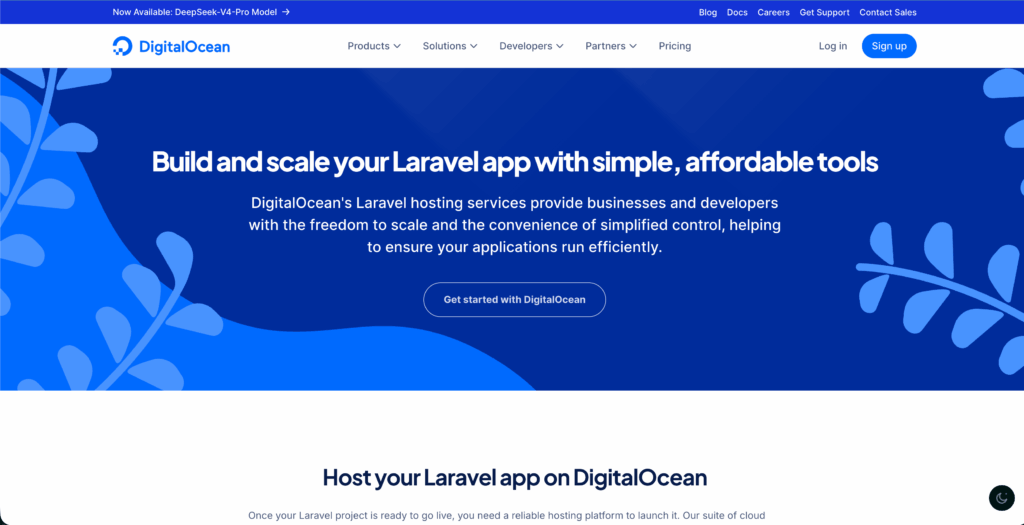
Here you can deploy your app on their special kind of virtual servers, “Droplets,” where you can easily control your full environment (OS, PHP, and web server).
You get their global data center, and SSD-based droplets make it all easy to manage your growing Laravel projects with no hidden charges. If you have ever had to run any high-intensity Laravel project, then DigitalOcean could become a solid choice, as it is best for control and customization.
Key Features
Pros & Cons
DigitalOcean has some pros and cons, such as:
Pros
- Deep ecosystem integration.
- Pricing is cost-effective & transparent.
- Gives you developer-centric performance.
- Highly scalable.
- You get full root access.
Cons
- Self- managed complexities.
- Managed services come under premium costing.
Pricing/Rating
We will now see the pricing plans for DigitalOcean:
| Plan | Pricing | Resources |
|---|---|---|
| Basic Droplets | $4/month | 512MB RAM, 1 vCPU, 10GB SSD, 500GB Transfer |
| Premium Droplets | $7/month | 1GB RAM, 1 vCPU, 25GB NVMe SSD, 1TB Transfer |
| General Purpose | $63/month | 8GB RAM, 2 vCPU, 25GB SSD, 4TB Transfer |
Vultr
Vultr is a complete performance-focused Laravel hosting platform where you get globally distributed servers with fast hosting solutions. You don’t get a managed Laravel environment here; instead, Vultr offers you compute instances like the Cloud VPS, high-frequency servers with full freedom to deploy your Laravel with your own stack.
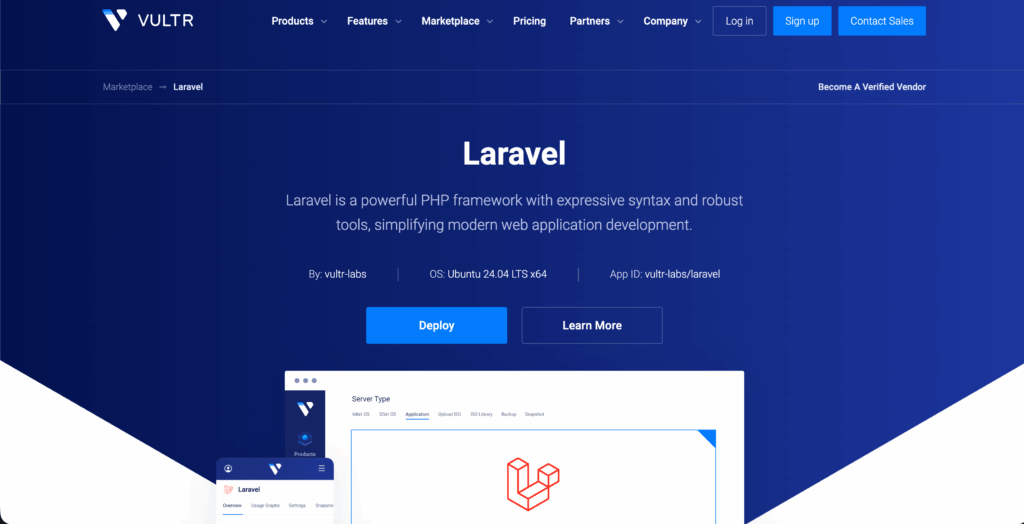
You can use NGINX, PHP-FPM, along with MySQL and Redis, allowing faster clock-speed CPUs and making a noticeable difference in handling and managing your tasks.
You can find their data centers in many regions, so you can easily place your Laravel app closer to the user for low latency. They have been doing complex hosting for more than 20 years and continue to simplify the cloud.
Key Features
Let us see the core features of Vultr for your Laravel hosting:
Pros & Cons
Vultr has some of its pros and cons, like:
Pros
- High performance with their raw power.
- Cost-effective.
- It has a global reach.
- ISO Customization.
- Excellent for Laravel Forge.
Cons
- Unmanaged service.
- Sometimes slow in support response time.
Pricing/Rating
Vultr’s pricing plans include:
| Plan | Pricing | Resources |
|---|---|---|
| Basic | $3.50/mo | 0.50 TB Bandwidth, 10 GB Storage, 0.5 GB RAM, 1 vCPU (IPv6 Only). |
| Starter | $5.00/mo | 1.00 TB Bandwidth, 25GB Storage, 1GB RAM, 1 vCPU. |
| High-end | $10.00/mo | 2.00 TB Bandwidth, 55GB Storage, 2GB RAM, 1 vCPU. |
Hostings.com
Hosting.com, the rebranded version of A2 Hosting, lets you do your Laravel hosting with a major focus on speed and developer usability rather than focusing on raw cloud control.
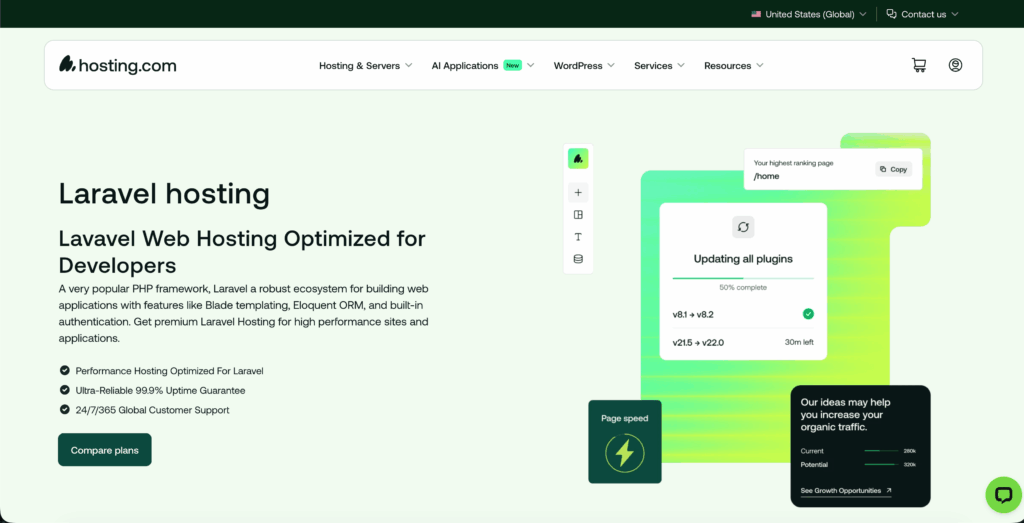
It offers a popular PHP framework and comes with a high-level ecosystem and features like Blade Templating and built-in authentication. You get customer support 24/7/365 with Hosting.com.
They work with their high-speed turbo servers and faster caching for your Laravel hosting. High-end processors like the AMD EPYC, Laravel LiteSpeed Cache, and HTTP/2 and HTTP/3 protocols. It is a very useful platform for developers who want a quick setup with decent performance without doing deep DevOps work.
Key Features
Let’s find out the major features of Hosting.com:
Pros & Cons
Hosting.com pros and cons are:
Pros
- Performance-focused with dedicated plans.
- Developer-friendly platform.
- Reliable infrastructure.
- Scalable options.
- cPanel-based control.
Cons
- Complex management.
- Shared environment limitations.
Pricing/Rating
Hosting.com pricing plans:
| Plan | Pricing | Resources |
|---|---|---|
| cPanel Plus | $3.99/month (discounted from $14.99/mo) | 2 Websites, 30GB SSD storage, SSL certificates. |
| Shared Plus | $1.99/month (discounted from $9.99/mo) | 2 Websites, free domain, SSL certificates. |
| VPS Plus | $19.99/month (discounted from $39.99/mo) | 4 CPU Cores,8GB RAM, SSL certificates. |
Hosting.com offers you a 30-day money-back guarantee.
InterServer
InterServer is just a one-click Laravel deployment platform with a development workflow. InterServer claims that their goal is not just to give you Laravel, but it is actually to give you a launch path where you and your server stay manageable, no matter the operating system, your apps, or traffic grows.
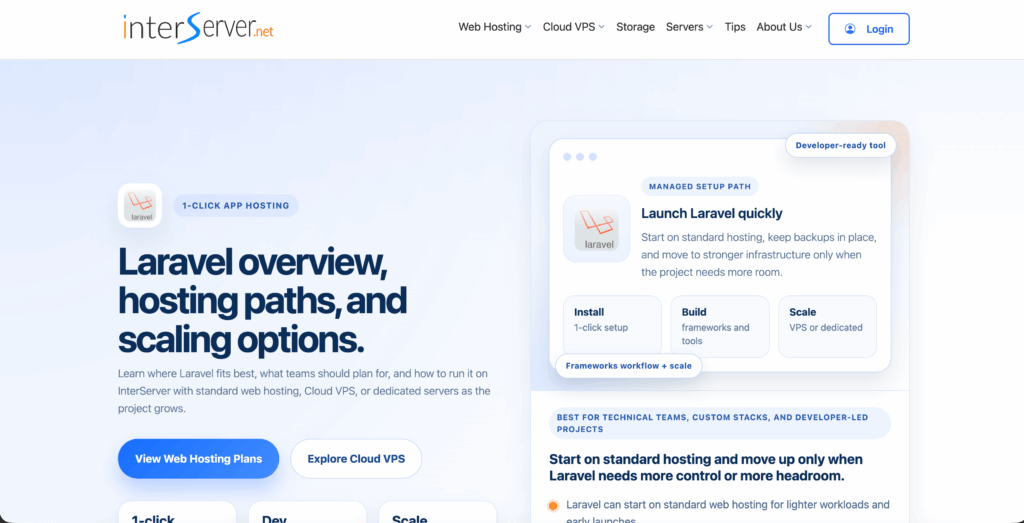
You get their essential aspects here, like the SSD performance, with a smooth user experience, and not a very heavily handled Laravel hosting.
InterServer works best for developers who are looking for affordable hosting options which has easy and clear upgrade path. Here, Laravel hosting fits best for the technical teams who want more control over their stack and applications.
Key Features
InterServer’s following features are as follows:
Pros & Cons
Interserver pros and cons are:
Pros
- Affordable pricing.
- Supports the necessary Laravel components.
- Best Security and performance.
- Unlimited resources.
- Highly scalable.
Cons
- Occasionally performance issues.
- Lacks support for specialized frameworks.
Pricing/Rating
Interserver pricing plans are as follows:
| Plan | Pricing | Resources |
|---|---|---|
| Standard | $2.50/month | Small/ hobby Laravel applications. |
| Boost 2 | $9.95/month | Busier websites. |
| Boost 4 | $19.95/month | Mid-traffic apps. |
Intersever offers a 30-day money-back guarantee.
How to Pick the Best Laravel Hosting?
Picking the right and best Laravel hosting can be quite tricky. But if you are clear about your hosting requirements and how your hosting matches how your application actually behaves. Here, we have given some of the major criteria that you should keep in mind while choosing your provider:
- PHP versions (non-negotiable): modern Laravel versions require recent PHP builds. PHP 8.1 (OR 8.2/8.3 for the latest versions).
- PHP Extensions with OpenSSL, PDO, JSON, XML, and many more. These form the core Laravel features.
- Web servers like Apache/NGINX and databases like MySQL, PostgreSQL, and SQLite are important for routing requests and storing Laravel data.
- Composer and CLI access, along with SSH access for running Artisan commands and migrations.
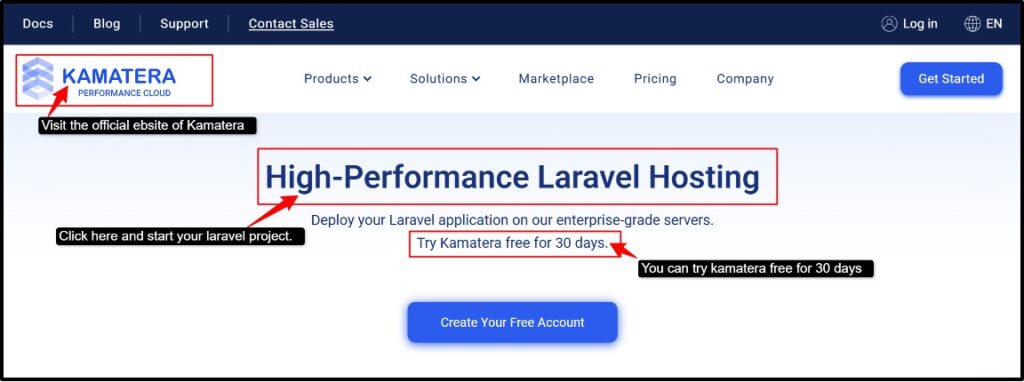
How to Host a Laravel Project (Step-by-Step) Kamatera
There are a few steps you need to follow to set up your Laravel project. Let’s see those steps in detail.
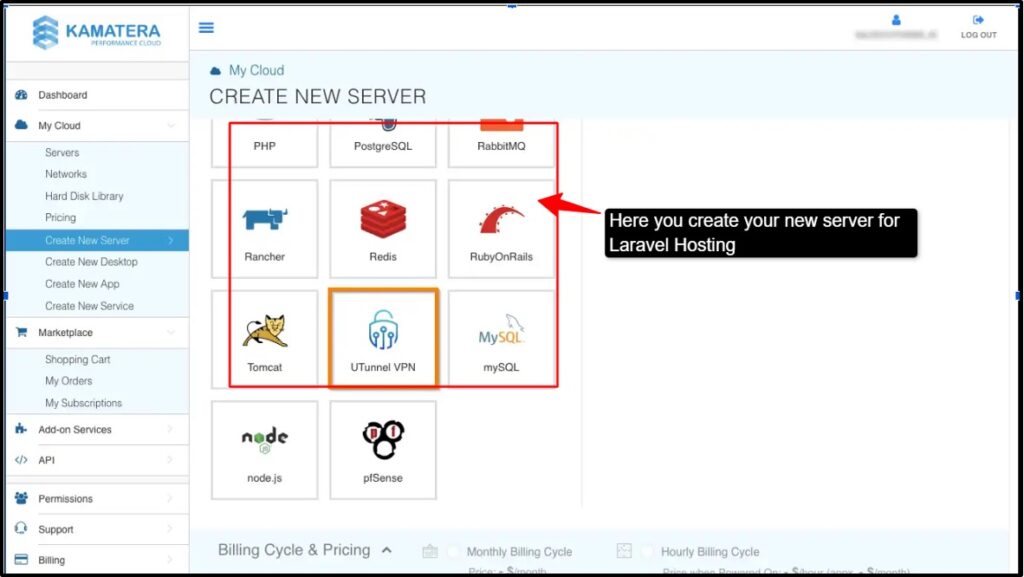
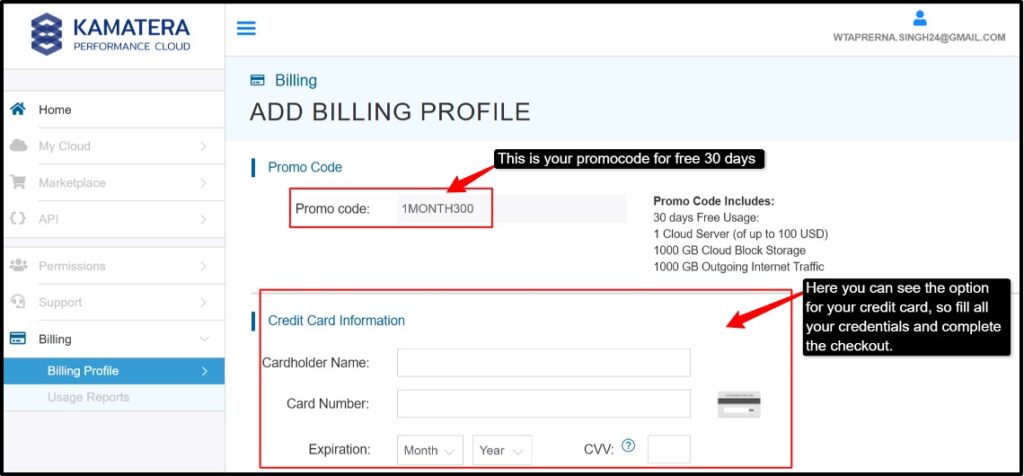
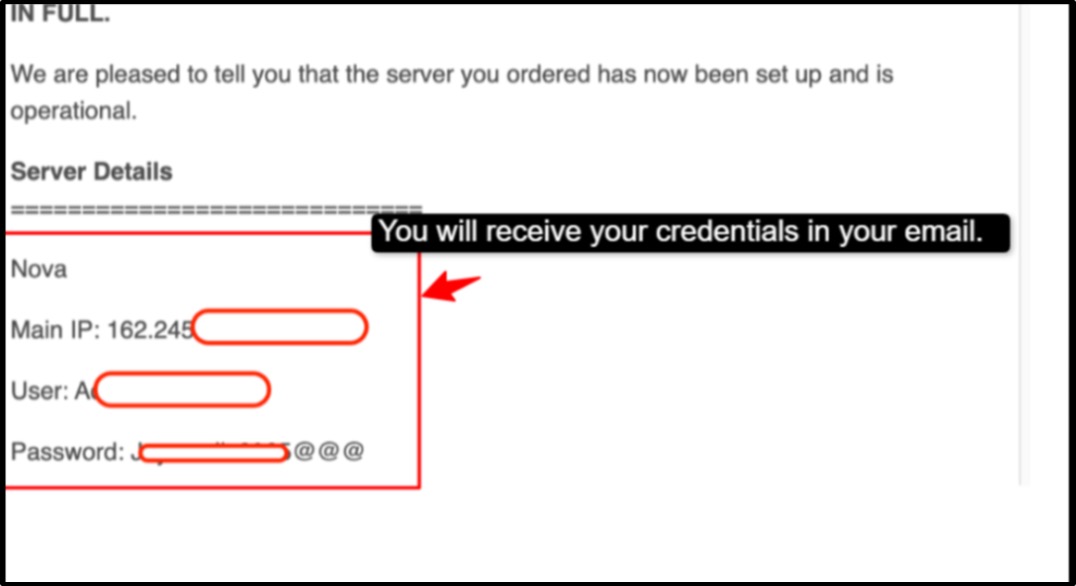
After you complete all these steps successfully, follow these:
Launch the Laravel website and start your hosting journey.
Managed vs. Unmanaged Laravel Hosting?
Laravel hosting mainly comes in two types: Managed and Unmanaged hosting. There are some major differences between managed Laravel hosting and unmanaged hosting. Your choice depends completely on skills, your budget, and how much control you want.
| Factors | Managed Laravel hosting | Unmanaged Laravel hosting |
|---|---|---|
| Server Management | It handles setups, updates, and maintenance. | It manages the complete server manually. |
| Ease of Use | Beginner-friendly with simple deployment tools | Requires technical & server management skills |
| Support & Security | Includes monitoring, backups, security practices & support | The user is responsible for security and troubleshooting |
| Cost & Flexibility | Higher pricing with less manual work | Lower cost with greater customization and control. |
Managed Laravel hosting is best for you if you want convenience with faster deployment. But if you are a developer or any tech expert, then unmanaged Laravel hosting is best for you as it delivers full server control and customization.
FAQs:
Can I Host Laravel for Free?
Yes, you can easily host Laravel for free, but it is mainly done for testing, learning or handling your small projects. It does come with some of the limitations, too. You can look for free alternatives in InfinityFree and Render that will help with your basic processes.
How important is PHP version compatibility with Laravel hosting?
PHP version compatibility with Laravel hosting is very important because Laravel hosting has strict minimum PHP requirements. If your hosting platform runs a lower version of PHP than what Laravel demands, then it will definitely fail to run with compatibility errors.
What security features are essential for safe Laravel hosting?
If you want to do safe Laravel hosting, then it definitely requires a multi-layered security stack with specific protection tools. There should be firewall management, automatic security updates, and isolated environments so that it protects your application from affecting others on the same server. You should have secure SSH access with secure database connections.
Is Laravel in demand in 2026?
Yes, absolutely. Laravel is in demand in 2026. Now it’s not any PHP framework anymore, but it comes like a full-stack ecosystem. It is especially important for bank-end, SaaS, and website app development. It is even more important as job demands remain active and companies across India are regularly hiring Laravel developers.
Which PHP version is best for Laravel 10?
The PHP version considered best for Laravel 10 is PHP 8.2 or PHP 8.3. The minimum requirement for running Laravel 10 is PHP 8.1, but if you use a more up-to-date version of PHP, it will bring better performance, security, and long-term compatibility.
Conclusion
The type of hosting you choose completely depends on your Laravel project.
Starting from small projects to the use of intense apps, we have explained everything clearly here. It’s not just about your servers; it’s even about giving your application the speed and stability it needs to perform at its best.
The 7 best Laravel hosting providers: we have explored each one of them and understood that each one brings something different to the table, be it cloud power or budget-friendly flexibility. Hostinger clearly wins for giving you the most affordable hosting experience, supporting the latest PHP versions.
Apart from this, Hosting.com delivers the kind of speed that any developer would want, with its wide range of tools because of their turbo servers and pre-configured PHP environments.
So don’t think much, choose a provider that fits your project first, and brings complete growth.
💡 Most Loved Article!