Project Zomboid is a survival RPG game. In this single/multiplayer game, you’ll have to fight zombies as well as hunger, thirst, and disease. You can connect over 42,000 mods to enhance your gaming experience, but only if you have a good server. A typical server cannot handle Project Zomboid’s heavy CPU and RAM requirements.
That’s why the Best Project Zomboid Server Hosting is the right choice, as it offers fast processors and scalable disk space. With these dedicated servers, you can add other gamers, install mods, and enjoy lag-free multiplayer sessions.
We’ve selected the 7 best Project Zomboid dedicated server hosting providers for you, which our experts believe are best for playing this game. To help you choose the right server, we’ve listed each provider’s unique features and pricing plans.
Apart from this, we have also shared some tips to fix the incompatibility of the mod version and placed a comparison table for quick review.
So now get ready to explore the 7 best Project Zomboid Server Hosting providers in 2025!
- Minimum Project Zomboid Server Hosting Requirements?
- Quick Comparison Table: Which 7 Best Project Zomboid Server Host Fits Your Squad?
- 7 Best Project Zomboid Server Hosting (2025): Fast, Mod-Friendly Multiplayer Servers
- Project Zomboid: How To fix ‘Workshop Item Version Is Different’ Issue?
- Why Do You Need a Dedicated Host for Project Zomboid?
- Frequently Asked Questions (FAQ)
- Final Thoughts
Budget Pick
DatHost

Best Value
GTXGaming

Premium Pick
Nitrado

See 7 more Best Project Zomboid Server Hosting Providers ↓
Minimum Project Zomboid Server Hosting Requirements?
Zomboid features active map streaming. This means that as your character runs through the game, it will load new data (buildings, trees, and other props). Additionally, the game’s data expands based on player count and mods. As it is a continuous process, hosting Zamboid requires a lot of RAM and CPU.
To ensure you don’t experience any issues while playing the game, we’ve listed the minimum server requirements below:
Quick Comparison Table: Which 7 Best Project Zomboid Server Host Fits Your Squad?
If you don’t have time to review all the hosting providers, you can check out our table below. We’ve discussed the essential gaming features (mod support, automatic backup, slot flexibility, and money-back guarantee) of each provider.
Here it is:
| Provider | Mode & Plugin Supports | Money-back guarantee | Player Slot Flexibility | Automatic Backups | Visit all plans |
|---|---|---|---|---|---|
| Nitrado | Steam Workshop | No money-back(14-day withdrawal period) | 200 | Yes | Visit now |
| GravelHost | Steam mod support | 72-hour money-back policy | 64+ slots | Yes | Visit now |
| DatHost | Steam Workshop | 7-day money-back guarantee | Unlimited slots | Yes | Visit now |
| GTXGaming | Schedule steam update | 24-hour refund | 100 | yes | Visit now |
| Host Havoc | Steam Workshop | 3-day money back guarantee | 32 | Yes | Visit now |
| Shockbyte | Full mod support | 72hr Self-Serve Refund | 100 | Yes | Visit now |
| BisectHosting | Steam Workshop | Not available | 100 | Yes | Visit now |
7 Best Project Zomboid Server Hosting (2025): Fast, Mod-Friendly Multiplayer Servers
If you’re planning to avail the Project Zomboid dedicated server hosting service, then we suggest you read the section below. Our gaming experts have explained the key features, specific use cases, and pricing plans offered by the 7 best dedicated game server hosting providers.
Here you go:
Nitrado
So, first, we’ll talk about Nitrado, a company that has been offering game server hosting services for years. If you’re looking for quality and affordability, Nitrado is a great option for Zomboid server hosting. It offers up to 200 slots, over 8 data centres, and a runtime of up to 365 days. This allows gamers like you to invite multiple people to play without any performance issues.
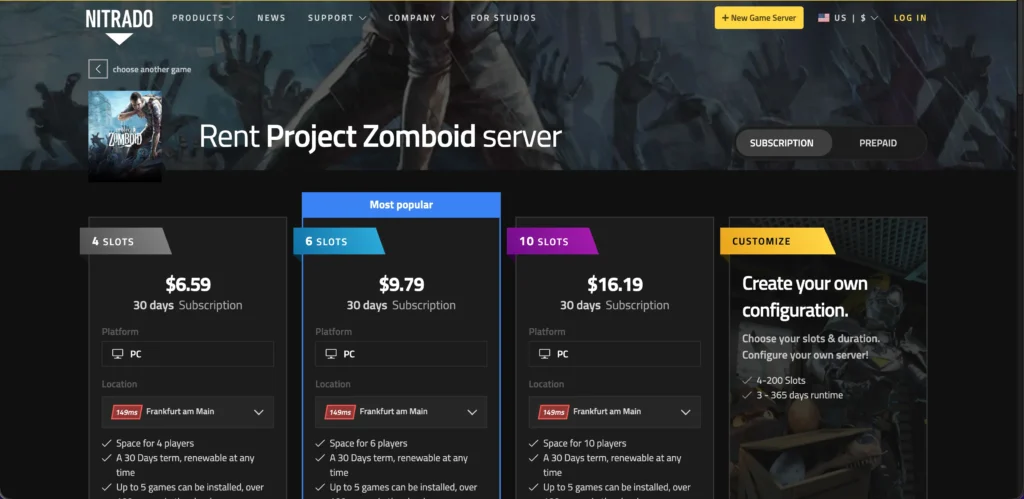
To survive in Zomboid, perform everyday tasks (farming, cooking, fishing) and update your character, you can use Nitrado’s vast mod support ( Steam Workshop mods ). Since this is a role-playing game, you can also invite your squad for multiplayer sessions.
Unique Features of Nitrado
Pricing and Plans
| 4 Slots | 6 Slots | 10 Slots |
|---|---|---|
| $5.61/month | $8.22/month | $13.64/month |
| 4+ slots and unlimited mod support | 6+ slots and unlimited mod support | 10+ slots and unlimited mod support |
Best For
GravelHost
If you’re someone who wants complete control over your game, GravelHost is a great option. This server’s custom game control panel and full file access allow you to change the video, sound, texture, and shadow quality of your gameplay.
Apart from this, you can also set the difficulty level for fighting zombies or the player count for multiplayer sessions.
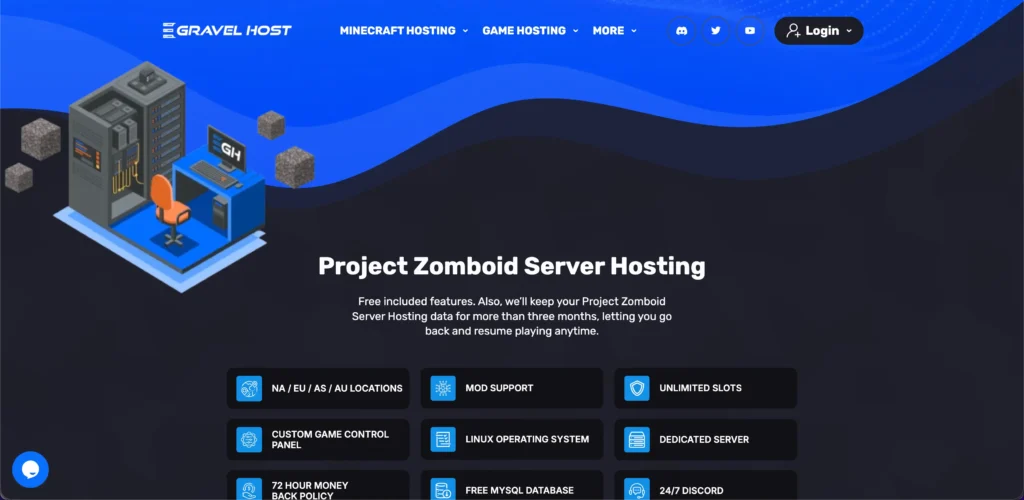
Along with unlimited slots support, you also get a built-in firewall manager that monitors the real-time data and traffic to detect threats and a 3+ months backup plan so that you can continue your game from where you left off.
Unique Features of GravelHost
Pricing and Plans
| Crowbar | Garden Rake | Katana |
|---|---|---|
| $3.99/month | $7.99/month | $15.99/month |
| 4 slots & mod support | 8 slots & mod support | 16 slots & mod support |
Best For
DatHost
After GravelHost, let’s discuss DatHost. The most special thing about DatHost is that it gives high emphasis on speed, which is crucial for gaming. Over 9 data centres, 230+ Tbps network, an AMD Ryzen 9 processor, DDR5 RAM, and 30GB SSDs will ensure your game never slows down, meaning you can survive the zombie apocalypse without lag.
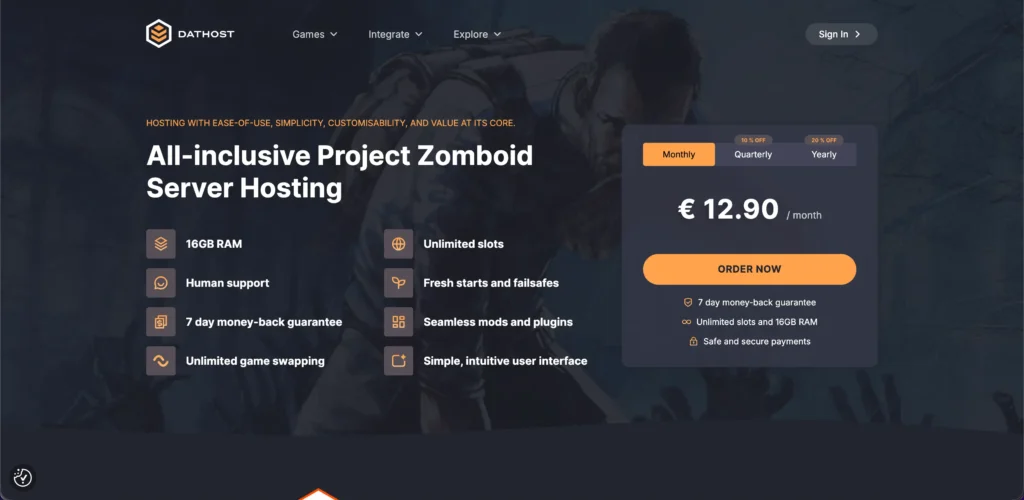
Additionally, DDoS protection and automatic backups protect the game from malware attacks and keep configurations intact. Another highlight of DatHost is its instant relocation feature, which allows you to change your server’s location at any time to get the benefits of low-latency data transfer.
Unique Features of DatHost
Pricing and Plans
| Monthly | Quarterly | Yearly |
|---|---|---|
| $15.19/month | $13.67/month | $12.15/month |
| Unlimited slots & mod support | Unlimited slots & mod support | Unlimited slots & mod support |
Best For
GTXGaming
Craft weapons, build anti-zombie forts, and survive boredom with GTXGaming’s top-notch Zomboid servers that come with high CPU priority and NVMe storage. You can even create your own server by selecting the player count, clock speed, disk space, and memory.
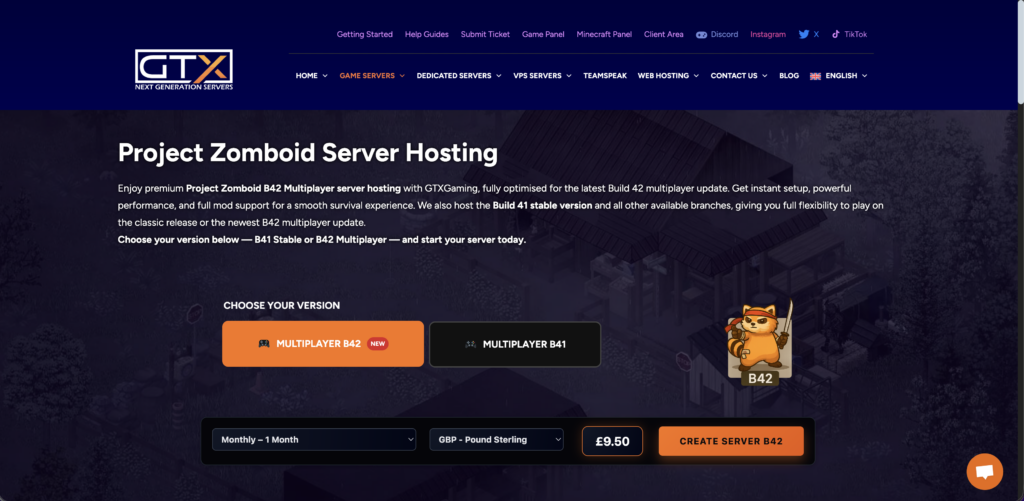
Furthermore, you get an interactive control panel with various game-oriented settings that will help you to organize your game as per your needs.
GTXGaming has also launched a new Build 42 server, specially for gamers who want to enjoy multiplayer matches with advanced performance. This Build 42 Zomboid server has a crafting system where your teammates can explore new professions and skills. For security, servers use Imunify 360 and DDoS protection to prevent malicious attacks.
Unique Features of GTXGaming
Pricing and Plans
| Basic | Medium | Large |
|---|---|---|
| $12.83/month | $34.56/month | $59.69/month |
| 10 slots & steam mod support | 20 slots & steam mod support | 40 slots & steam mod support |
Best For
Host Havoc
Now let’s move on to HostHavoc, a leading game server provider that offers high-performance servers with 10 Gbps uplinks and NVMe drives so that you never stop while completing your Zomboid missions. The easy-to-use game management is accompanied by TCAdmin and a web console, helping gamers to customize game experience and server from any device.
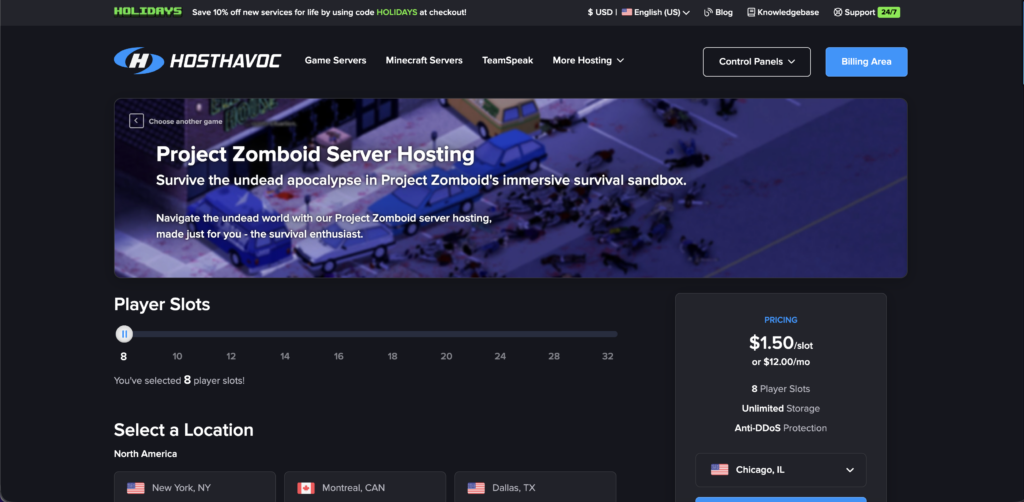
Along with this, the workshop installer allows you to update your game by installing mods/ plugins, and you can manage these with the file manager. As Zomboid is a post-apocalyptic multiplayer game, HostHavoc provides unlimited storage to handle all the data and updates.
Unique Features of Host Havoc
Pricing and Plans
| 1 month | 3 months | 6 months |
|---|---|---|
| $18/month | $17.10/month | $16.55/month |
| 8+ slots & unlimited mod support | 8+ slots & unlimited mod support | 8+ slots & unlimited mod support |
Best For
Shockbyte
Gaming enthusiasts are going to love Shockbyte’s instant server activation as they don’t have to wait to enjoy the game. This gaming server provider is rated 4 out of 5 stars by Trustpilot because it offers 99.9% uptime, ultra-low ping latency, and automatic updates so gamers can take on zombies without any downtime.
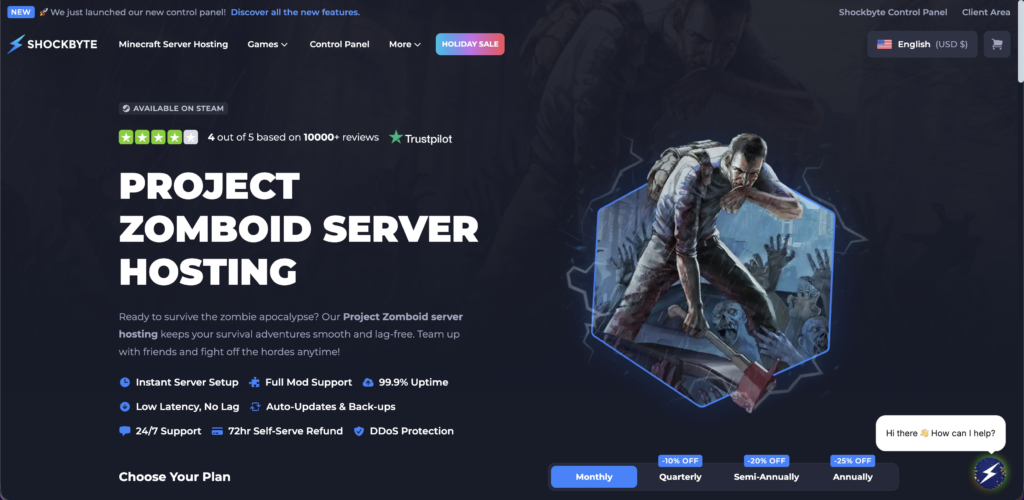
Additionally, full mod support and DDoS protection help you customize gameplay and block malicious data. When it comes to pricing, Shockbyte offers 2 basic plans with 10-16 players and one custom plan with 24+ players.
Unique Features of Shockbyte
Pricing and Plans
| Wood Axe | Metal Pipe | Chainsaw |
|---|---|---|
| $6.99/month | $10.49/month | $13.94/month |
| 10 slots & unlimited mod support | 16 slots & unlimited mod support | 24+ slots & unlimited mod support |
Best For
BisectHosting
The seventh provider on our list is BisectHosting, whose Zomboid server supports an additional 50+ games. This means you can enjoy Project Zomboid as well as other games.
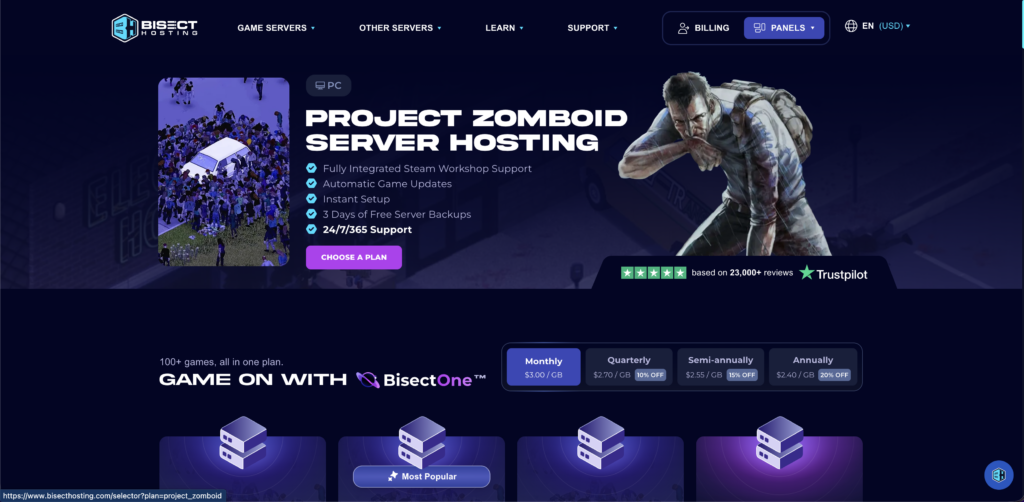
In addition to multiple game support, BisectHosting also offers several other benefits, such as a custom-built game panel, an instance manager, and Steam Workshop support. That means you will get a panel with gaming features, with the help of which you can create multiple copies of the server (with different settings) and switch whenever you want.
Apart from this, you also get 3 days of free backup support so that you never lose your game progress.
Unique Features of BisectHosting
Pricing and Plans
| 4GB | 6GB | 10GB |
|---|---|---|
| $11.99/month | $17.99/month | 29.99/month |
| 1-6 slots & steam workshop support | 7-13 slots & steam workshop support | 14-20 slots & steam workshop support |
Best For
Project Zomboid: How To fix ‘Workshop Item Version Is Different’ Issue?
The good thing about Project Zomboid is that it offers you a variety of mods to enhance your gaming experience, but many gamers face difficulties while installing mods in the game. And if you’re one of them who receives pop-ups like “ Workshop item version is different than the server”, then don’t worry because we’re going to tell you how to resolve this.
Just follow these steps:
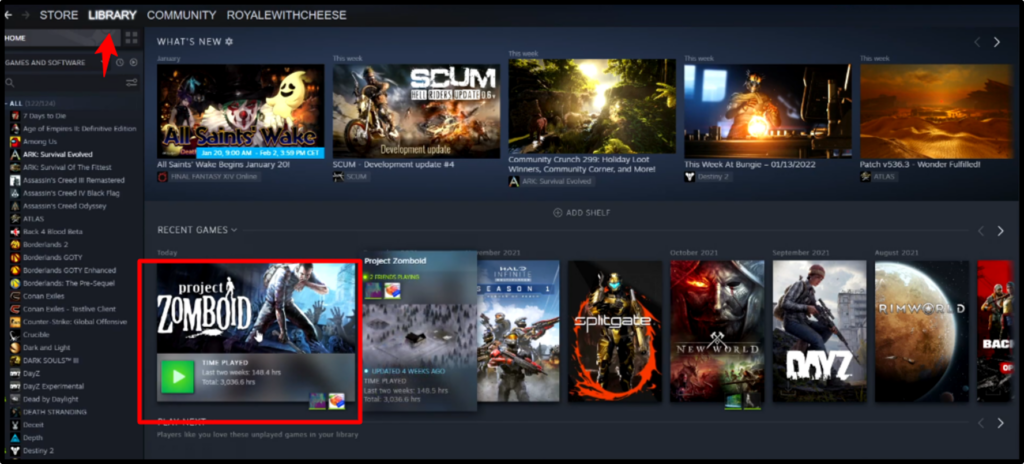
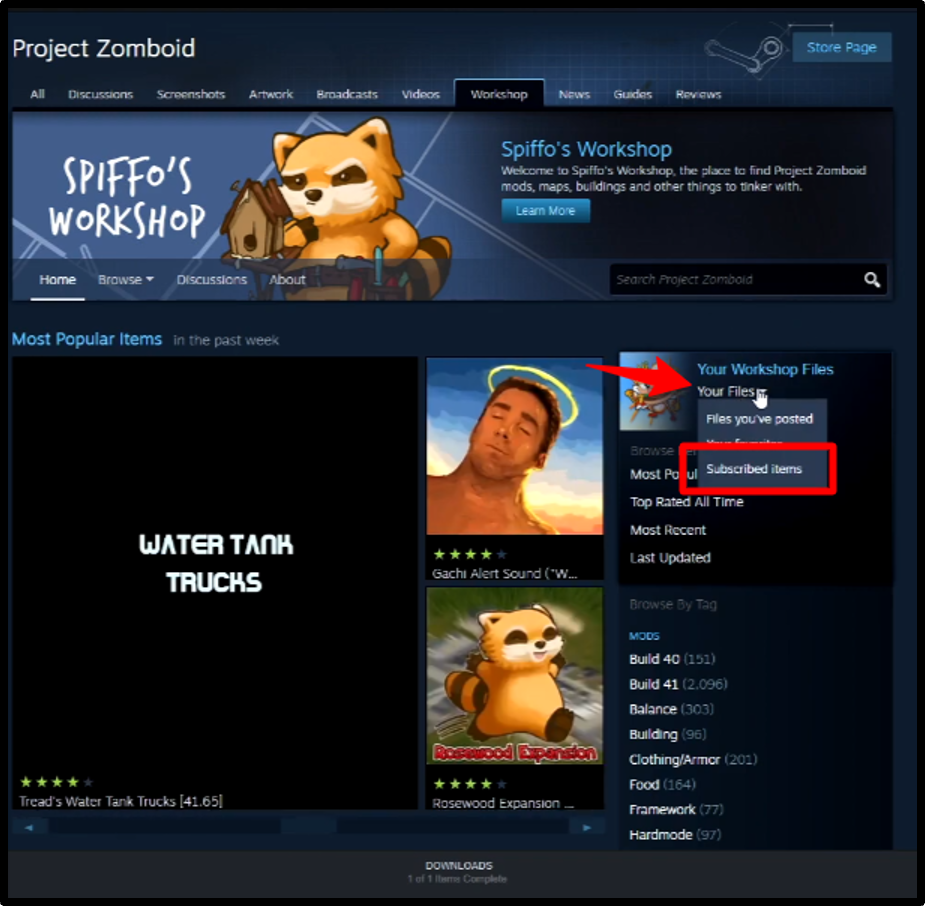
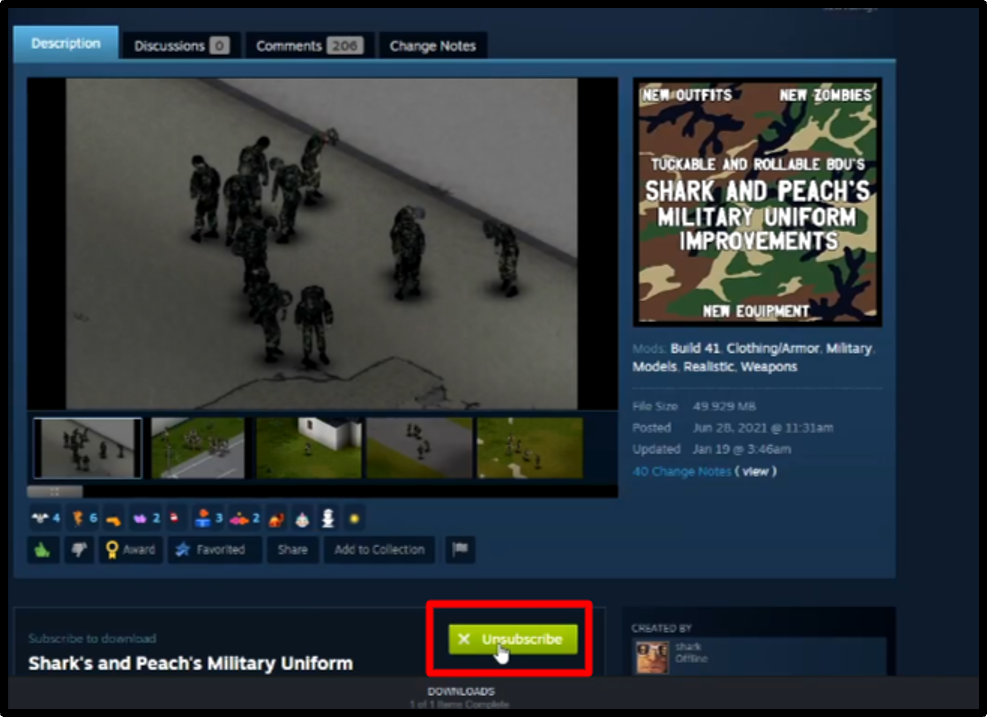
By following these three simple steps, you’ll get a fresh version of the mods you want to use in the Project Zomboid game without any incompatibility issues. And after downloading these mods, you can use FTP files to install them on the server.
Why Do You Need a Dedicated Host for Project Zomboid?
Imagine you’re playing a game and, just as you’re about to kill a zombie with your gun, the game freezes, and your character dies. Although it wasn’t your fault, you still suffered the consequences. This is what happens when you use a shared, local, or public server. These servers don’t allow you to fully utilize resources, which is why dedicated servers are becoming increasingly important.
We have mentioned some points below, which will help you understand why it is important to have a project zomboid server hosting with mods :
Frequently Asked Questions (FAQ)
Q1: What are the minimum dedicated server requirements for Project Zomboid?
A: You need at least 8 GB RAM, 20 GB storage, a 2.77GHz Quad-core and a 64-bit operating system ( for Windows) and Intel x86, OS X 10.15 ( for Mac).
Q2: How many players can a Project Zomboid server handle?
A: Project Zomboid server can handle a minimum of 4 and a maximum of 100 players, but many servers offer up to 200 slot support as well
Q3: Is it better to host Project Zomboid on Linux or Windows?
A: Both Linux and Windows are good for hosting Project Zomboid, but if you’re looking for extra stability and efficiency, then we’ll suggest Linux.
Q4: What happens if the server crashes?
A: If you’re using a common local server, then you might lose your data in a crash. On the other hand, a dedicated Project Zomboid server will instantly create a backup so that you can continue your game from where you’ve stopped.
Final Thoughts
Project Zomboid is a multiplayer survival game that has become quite popular in the gaming community. This is why many gamers stream it, but due to the limited storage capacity and poor performance of normal servers, they have to stop midway. So, the only option left is the Best Project Zomboid Server Hosting service.
Zomboid server hosting gives you unlimited bandwidth and high-speed processors so that you can invite other gamers to join your server and play without any performance slowdowns. Along with this, these servers give you full root access to add new mods to update your game.
That’s why we’ve selected the 7 Project Zomboid dedicated server hosting
providers that will give you a lag-free gaming experience. We’ve also mentioned each provider’s key features, pricing, and specific use cases to make it easier for you to choose the right server.
💡 Recommended Game Server Hosting