Your Linux server is always running. But do you actually know what’s happening inside it?
Most people don’t check their system until something breaks, the CPU is maxed out, memory is gone, or the disk is full at the worst possible time. That’s not monitoring. That’s just reacting. Here’s the actual thing: Linux is already packed with powerful tools that show you exactly what’s going on under the hood. You just need to know which ones to use.
In case you’re managing a personal server, a work machine, or a bunch of systems at once, keeping an eye on performance isn’t just for experts. It’s something every Linux user should be doing regularly.
The right monitoring tool tells you what’s eating your CPU, how much memory is left, which process is misbehaving, and whether your network is running clean. All in real time.
No guessing. No waiting for things to crash.
We’ve put together, after researching in detail, a list of the 7 best Linux monitoring tools that are easy to use, genuinely useful, and cover everything from basics to advanced system tracking.
What are Linux Monitoring Tools?
Linux monitoring tools are apps or commands that act like a dashboard for your system, showing CPU usage, memory, disk space, and flagging anything unusual so you can keep your system healthy. They give you a clear, real-time view of what’s happening inside your system, helping you spot and fix issues before they escalate.
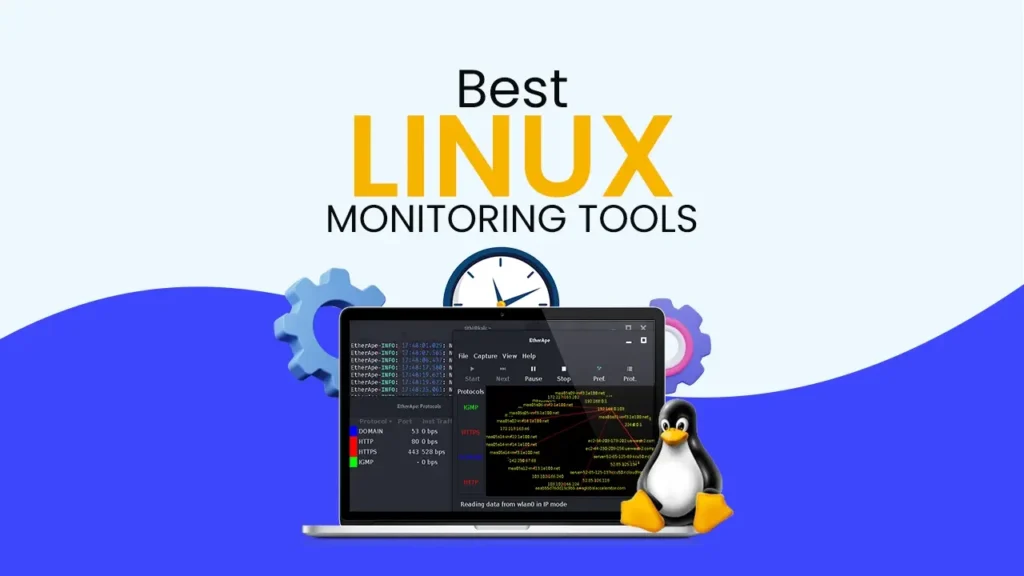
Linux monitoring tools usually come in two types. Some offer a Linux system monitor GUI that provides visual dashboards, making it easy for teams to use. Others rely on Linux system monitor commands, which are faster and more lightweight for system administrators.
They show important details such as CPU usage, memory consumption, disk space, and network activity in a simple, understandable way. By using this tool, users and administrators can quickly see what is happening inside the system and identify any unusual behaviour. Along with the health, these tools help you understand the performance so you can fix any prior problem before it reaches your system.
Why Linux Monitoring Matters
Linux monitoring matters a lot because it keeps your system healthy by catching problems before they get serious, no matter whether it is your CPU, memory, disk, or network getting overloaded. Let’s see some points as to why it is important:
Altogether, Linux monitoring ties everything together by helping you maintain security, compliance, availability, and efficiency in one place. With the support of Linux and its monitoring tools, you’re not just running a system; you’re actively managing and improving it.
Now let’s tell you about the best 7 Linux monitoring tools and how they are different from each other.
Top 7 Best Linux Monitoring Tools
Here we have given a concise table. After researching in depth, we found out the 7 best Linux monitoring tools and how they are different from each other. Let us understand in detail.
| Tool | Price | Key Strength |
|---|---|---|
| New Relic | $99/month | Full-stack observability (APM, infrastructure, logs, mobile, browser) in one unified platform with powerful AI-driven insights. |
| Site24x7 | $9/month | All-in-one monitoring covering servers, apps, networks, and URLs under a single dashboard. |
| Datadog | $15/month | Powerful integrations (800+) with a rich dashboard and anomaly detection using ML. |
| SolarWinds | $7/month | Enterprise-grade network performance monitoring and IT management with deep packet inspection and topology mapping. |
| Nagios | $2,595/month | Highly customizable open-source monitoring with strong alerting capabilities |
| Zabbix | $325/month | Scalable monitoring with real-time data collection and visualization |
| LogicMonitor | $16/month | Cloud-based monitoring with automated discovery and strong infrastructure insights |
Altogether, as the table shows, different tools offer different strengths depending on your needs and budget. So choosing the right one that helps you monitor your system better and avoid issues before they grow is always better.
Top 7 Best Linux Monitoring Tools (2026)
Linux powers the majority of the world’s servers, cloud infrastructures, and enterprise systems, which makes monitoring it not optional but essential. When something goes wrong on a Linux system, every minute of downtime or undetected threat has a real cost, so we have shortlisted the 7 best Linux monitoring tools based on features, pros & cons, and pricing.
New Relic
New Relic is a full-stack observability platform that goes well beyond just watching your Linux servers. When you deploy the New Relic infrastructure agent on a Linux machine, it starts collecting the CPU usage, memory, disk I/O, network, and running processes in real-time; it ties all of this directly to your application performance data.
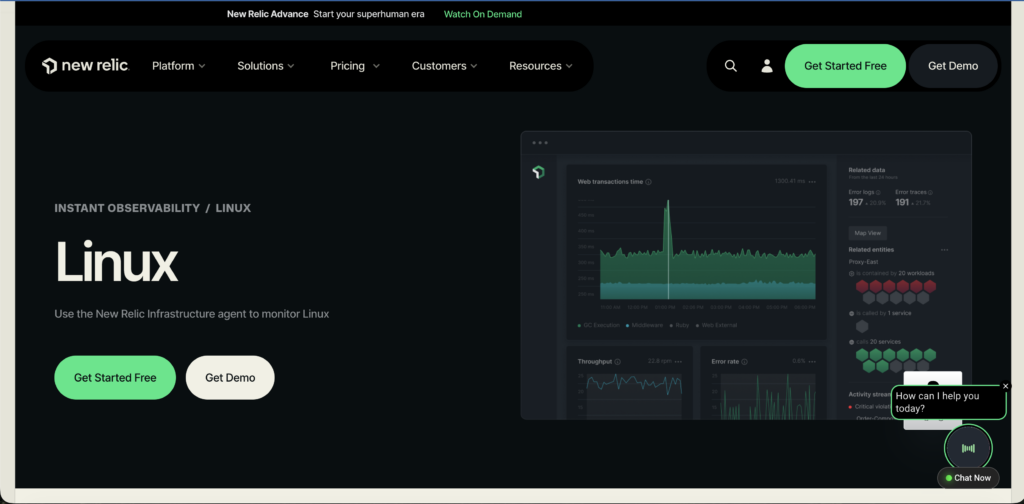
So you don’t need to run after switching tools to understand that the slowdown is a part of the infrastructure problem or a code problem, as with this platform, you have got both in one place.
What makes it particularly useful for Linux environments is how it handles process-level monitoring. You can track exactly which processes are consuming the most resources, set alert conditions based on dynamic baselines rather than fixed thresholds, and get notified the moment anything goes unusual.
Key Features
Now, let us see some of the major features of New Relic:
Pros & Cons
New Relic has some of the pros and cons too:
Pros
- Offers a single dashboard to view everything in one place.
- It supports 800+ integrations, making it easy to connect with other tools.
- Uses smart alerts to reduce false alarms and catch real issues.
- Full-stack monitoring for apps, servers, and infrastructure.
- It provides real-time data for quick decision-making
Cons
- Pricing can become expensive as usage increases.
- It may feel complex for beginners at the start.
Pricing/Rating
Let’s see the pricing plans of New Relic:
| Plans | Price | Rating | Best Use |
|---|---|---|---|
| Free | $0 | 3/5 | Hoobyist, small projects |
| Standard | $99/month | 4/5 | Small teams, startups |
| Pro | $349/month | 5/5 | Mid-size engineering teams |
Site24x7
Site24x7 is an all-in-one monitoring tool that helps you keep an eye on your websites, servers, applications, and network from a single place. It’s designed in a way that you don’t need multiple tools; everything is available on one dashboard. You can track performance, uptime, and user experience in real time, which makes it easier to understand how your system is actually behaving.
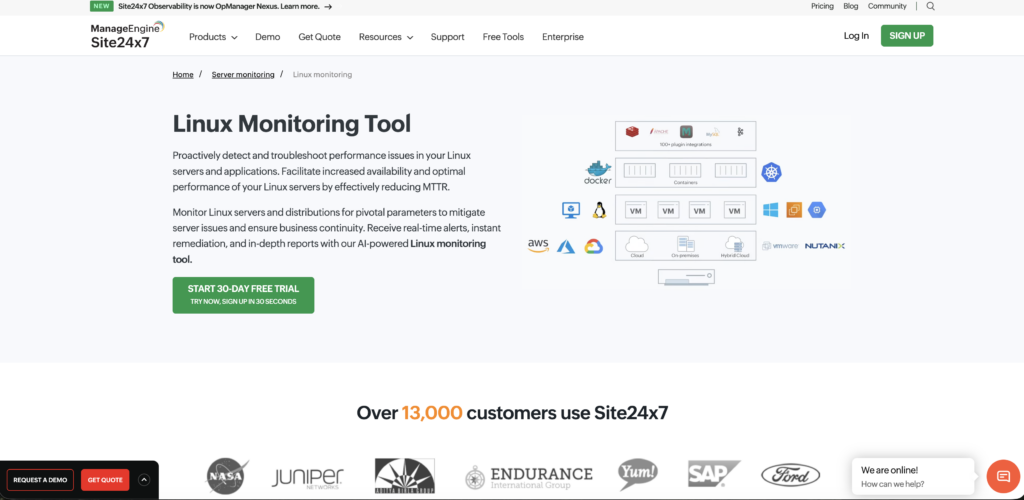
What makes it useful is its simplicity and wide coverage. You get alerts when something goes wrong, so you can fix issues quickly before they affect users. It also supports cloud monitoring, log management, and even real user monitoring, which gives a complete picture of your system. Altogether, it’s a practical choice if you want something easy to use but still powerful enough to handle different monitoring needs. It even allows its users to enjoy their 30-day free trial.
Key Features
Site24x7 comes with its amazing features, such as:
Pros & Cons
Site24x7 has some pros and cons, like:
Pros
- Easy agent installation on all major Linux distributions.
- Real-time monitoring of CPU, memory, disk, and network.
- Cloud-based dashboard accessible from anywhere.
- Supports process, service, and log monitoring in one place.
- Good alerting system with email, SMS, and third-party integrations.
Cons
- Expensive for small teams with multiple servers.
- Fully cloud-dependent, making it unusable in offline environments.
Pricing/Rating
Site24x7 pricing plans follow:
| Plans | Price | Rating | Best Use |
|---|---|---|---|
| Free | $0 | 3/5 | Freelancers, small setups |
| Starter | $9/month | 4/5 | Small to mid-IT teams |
| Pro | $35/month | 5/5 | Large fleets, 250k+ resources |
Datadog
DataDog is a solid choice if you are looking for a powerful, all-in-one monitoring solution for your Linux infrastructure. You install a lightweight agent on your Linux machine, and it immediately starts collecting metrics like CPU usage, memory, disk I/O, and network traffic.
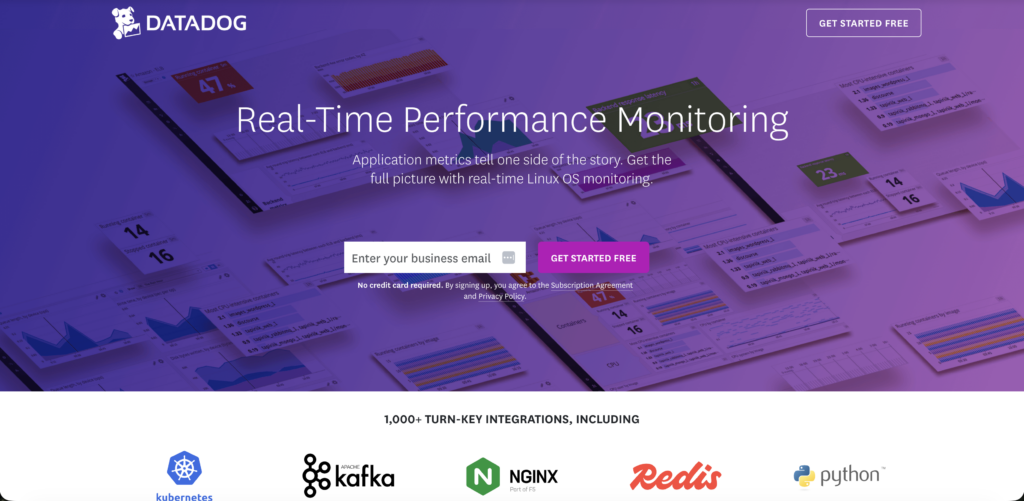
What makes it stand out is how well it connects your server metrics with application performance data, logs, and even cloud services, all in a single dashboard.
DataDog also comes with some drawbacks, like the pricing can add up quickly, especially when you start enabling log management or APM features on top of basic infrastructure monitoring. For every small team or any kind of personal projects, the cost might feel hard to justify when free and open-source tools like Prometheus or Netdata can do a decent job.
But if you are managing a growing Linux environment and need reliable alerting, historical analysis, and integrations with tools like Docker, Kubernetes, or AWS.
Key Features
Let us see some of the main features of this platform:
Pros & Cons
Let’s figure out some of the pros and cons of DataDog:
Pros
- Lightweight agent collects CPU, memory, disk, and network metrics instantly.
- Single dashboard covers servers, logs, apps, and cloud in one place.
- Easy to set up on most Linux distros with clear documentation.
- Integrates well with Docker, Kubernetes, and AWS.
- Strong alerting system with smart anomaly detection built in.
Cons
- Costs rise fast when adding log management or APM features.
- Open-source tools like Prometheus can replace it for smaller setups.
Pricing/Rating
DataDog pricing levels are as follows:
| Plans | Price | Price | Best Use |
|---|---|---|---|
| Free | $0 | 3/5 | Beginners, students, small testing projects |
| Infrastructure Pro | $15/month | 4/5 | Startups & small teams managing servers |
| Infrastructure Enterprise | $23/month | 5/5 | Large-scale production environments |
SolarWinds
SolarWinds is a well-established name in the IT monitoring space, and its Server and Application Monitor (SAM) does a decent job when it comes to keeping an eye on your Linux infrastructure. You get visibility into core metrics like CPU, memory, disk usage, and running processes, and the dashboard is fairly intuitive once you get past the initial setup.
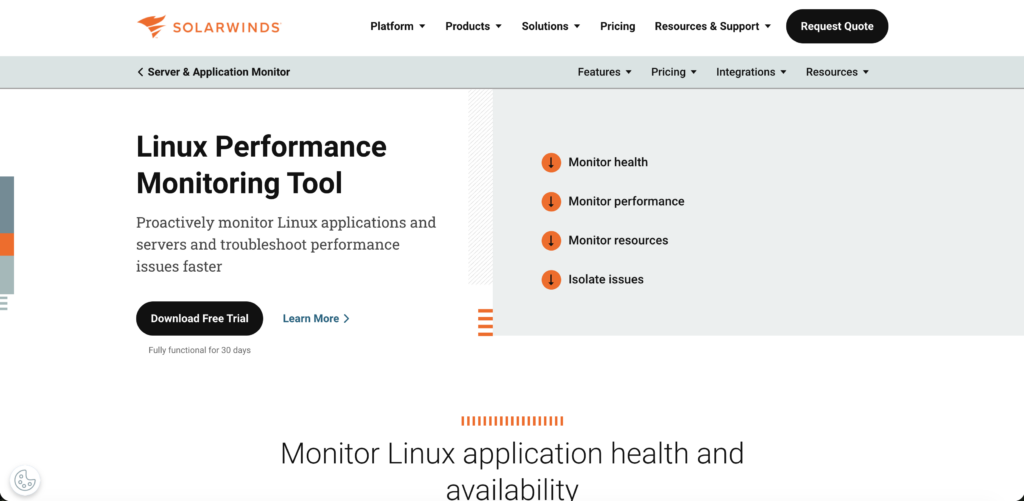
It works well in larger enterprise environments where you are managing a mixed infrastructure of both Windows and Linux machines, and need everything visible from a single pane of glass.
However, SolarWinds is not really built with Linux-first environments in mind, and that shows in certain areas. The agent setup can feel a bit heavy compared to more modern tools, and the overall product is clearly more comfortable in Windows-dominated networks.
But if Linux is your primary infrastructure, there are lighter and more purpose-built tools out there that will serve you better without the added complexity and cost. It even offers a 30-day complete trial for you that is fully functional.
Key Features
SolarWinds has some of its major features that contribute to its becoming one of the best tools. Let’s see:
Pros & Cons
SolarWinds has some pros and cons, such as:
Pros
- Tracks CPU, memory, disk, and processes on Linux servers easily.
- A clean dashboard lets you see everything in one place.
- Works well when you have both Windows and Linux machines together.
- Comes with solid alerting and reporting features out of the box.
- Handles large environments with many servers without breaking a sweat.
Cons
- Too expensive if you are only running Linux servers.
- It feels bulky and slow compared to newer Linux monitoring tools.
Pricing/Rating
SolarWinds pricing is like:
| Plans | Price | Rating | Best Use |
|---|---|---|---|
| Monitoring & Observability | $7/month | 4/5 | Small to mid-sized businesses are starting to monitor |
| Database | $142/month | 4/5 | Enterprise needs data control/security |
| IT Server Management | $39/month | 4.2/5 | Developers & microservices-based apps |
Nagios
Nagios has been around for a long time and is one of the most trusted names when it comes to Linux monitoring. It is an open-source tool, which means you get a lot of power without spending a single rupee on licensing. Once you have it installed and configured on your Linux machine, it monitors everything from CPU and memory to network services and running processes.
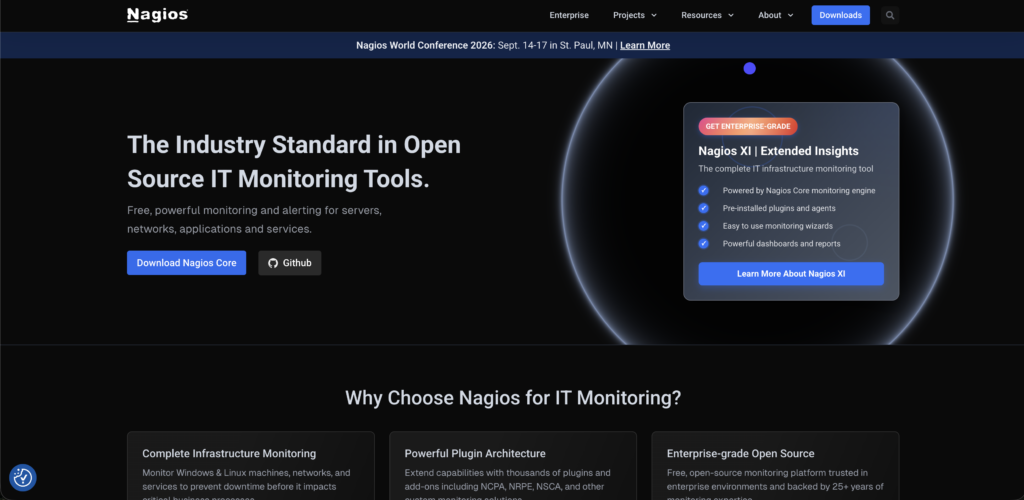
It is highly flexible and lets you write custom plugins and checks, so you can essentially monitor anything you want.
The setup and configuration are done mostly through text files, and it can take quite some time before everything is up and running the way you want. The default web interface also looks quite dated compared to modern tools like DataDog or SolarWinds.
There is a more polished version called Nagios XI, which offers a better UI and easier setup, but that one comes with a paid license.
Key Features
Now, let’s find out about some features of Nagios:
Pros & Cons
Nagios has some pros and cons, too. Let’s understand them:
Pros
- Completely open-source with no licensing cost at all.
- It monitors CPU, memory, network, and processes reliably.
- Highly flexible with support for custom plugins and checks.
- A large community means plenty of plugins and support available.
- Proven and battle-tested tool trusted by sysadmins for decades.
Cons
- Setting up and configuration through text files is time-consuming and complex.
- The default web interface looks very outdated compared to modern tools.
Pricing/Rating
Nagios comes with its pricing plans, like:
| Plans | Price | Rating | Best Use |
|---|---|---|---|
| Free | $0 (7 nodes/100 services ) | 4/5 | Students, small setups, budget users, learning in small environments |
| Standard | $2,595/month | 4/5 | Small-mid IT teams |
| Enterprise | $4,690/month | 4.2/5 | Enterprise & advanced monitoring |
Zabbix
Zabbix is a powerful open-source monitoring tool that works really well for Linux environments, and the best part is that it is completely free to use. Once you get the Zabbix agent installed on your Linux machine, it starts pulling in metrics like CPU, memory, disk, and network traffic without much fuss.
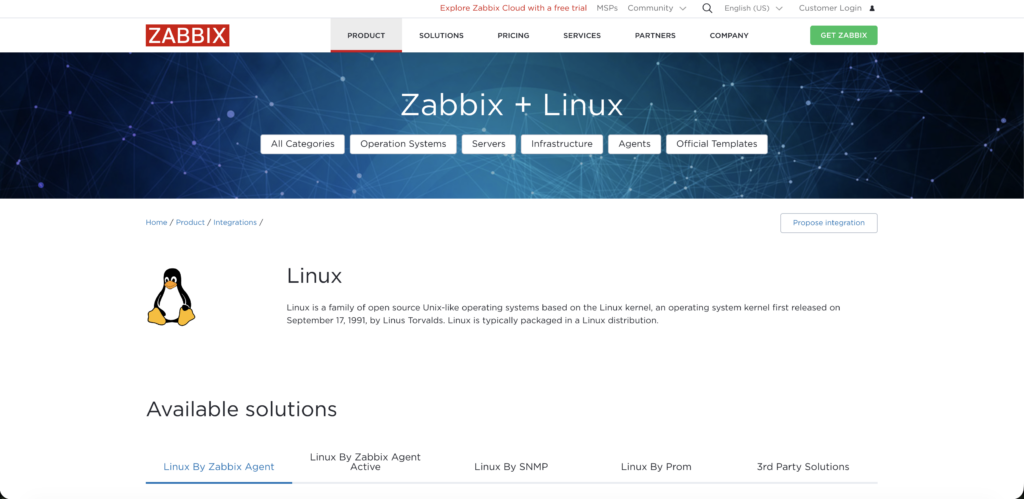
It comes with ready-made templates for Linux hosts, which saves you a lot of time during initial setup. The web-based dashboard is clean and reasonably modern, and you can set up detailed alerts, graphs, and reports without needing to touch too many configuration files.
Where Zabbix gets tricky is the initial server setup and the overall learning curve that comes with it. Installing and configuring the Zabbix server itself can be a bit overwhelming for beginners, especially when dealing with the database backend and proxy configurations.
As your monitored infrastructure grows, you also need to put more thought into scaling the Zabbix server properly, as performance can take a hit. The interface, while decent, can feel cluttered when you are managing a large number of hosts. Sonnet 4.6
Key Features
Zabbix delivers some of its best features, such as:
Pros & Cons
Let’s move on to the pros and cons of Zabbix:
Pros
- Completely free and open-source with no licensing cost.
- Ready-made Linux templates make initial setup faster.
- It tracks the CPU, memory, disk, and network out of the box.
- Clean web dashboard with solid alerting and graphing features.
- Scales well for large infrastructures without extra cost.
Cons
- Initial server setup with database configuration is complex for beginners.
- The interface feels cluttered and heavy when managing many hosts.
Pricing/Rating
Lets us see the pricing plans of Zabbix:
| Plans | Price | Rating | Best Use |
|---|---|---|---|
| Silver | $325/month | 4/5 | Students, startups, cost-sensitive teams. |
| Gold | $825/month | 4/5 | Growing IT teams |
| Platinum | Custom | 4.2/5 | Critical production systems |
LogicMonitor
LogicMonitor is a cloud-based monitoring platform that does a pretty solid job when it comes to keeping tabs on your Linux infrastructure. It comes with pre-built dashboards and alerting rules for Linux hosts right out of the box, which means you can get up and running fairly quickly.
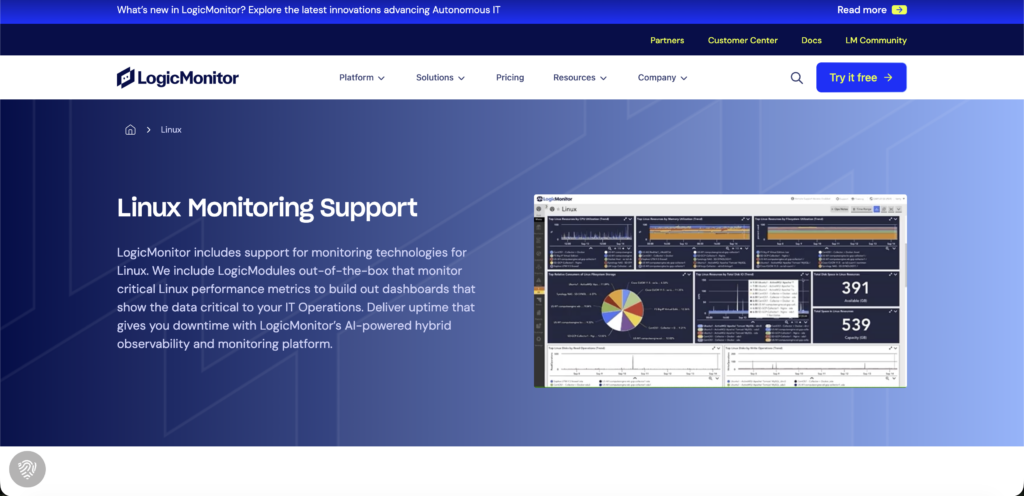
The interface is modern, clean, and easy to navigate, and the automated discovery feature is genuinely useful when you are managing a large number of Linux servers across different environments. It offers users a 15-day full access to any of the plans you choose.
Where LogicMonitor falls short is mainly around cost and flexibility. It is a fully commercial product with no free tier, and the pricing can feel quite steep, especially for smaller teams or businesses that are just starting. Since it is entirely cloud-based, you are also dependent on internet connectivity at all times, which can be a concern in certain environments. Customisation, while available, does not feel as deep or flexible as what you get with open-source tools like Zabbix or Nagios, where you have full control over everything.
Key Features
Let’s figure out the major features of LogicMonitor:
Pros & Cons
LogicMonitor comes with some pros and cons, like:
Pros
- Auto-discovers and monitors Linux systems without manual setup.
- Ready-made dashboards and alerts work straight out of the box.
- Clean, modern interface that is easy to navigate.
- Lightweight collector with minimal impact on system resources.
- Scales easily across large and distributed environments.
Cons
- No free tier as pricing is steep for small teams.
- Fully cloud-based, so useless without internet connectivity.
Pricing/Rating
Lets us find LongMonitor pricing plans:
| Plans | Price | Rating | Best Use |
|---|---|---|---|
| Essentials | $16/month | 4/5 | Small teams & beginners in monitoring |
| Advanced | $27/month | 4/5 | Growing companies with hybrid infrastructure |
| Signature + Edwin AI | $53/month | 4.2/5 | Large enterprise needing AI-driven monitoring |
How do I monitor my Linux servers effectively?
Monitoring Linux servers effectively is about knowing what’s happening on your system in real time and over time, so you can catch problems early, keep performance stable, and avoid downtime. You don’t need anything overly complex to start; a mix of built-in tools and a simple monitoring setup goes a long way. Here is a simple way of how you can monitor your Linux servers:
Start by asking yourself what matters most on your server. You will typically want to keep an eye on CPU usage, memory, disk space, network traffic, and the key services running on your machine. Make a simple list before you touch any tool.
Choose a tool based on your budget and how big your setup is. If you want something free, go with Nagios or Zabbix. If you do not mind paying for convenience and a better interface, DataDog, Site24x7, or LogicMonitor are good options.
Once you have picked your tool, install its agent on your Linux server. Most tools give you a simple one-line install command. Run it, point the agent toward your dashboard or monitoring server, and you are mostly done with the hard part.
Tell your monitoring tool when to raise an alarm. For example, alert when the CPU goes above 90 percent or disk usage crosses 80 percent. This way, you get a heads-up before something actually breaks.
Make sure alerts actually reach you. Connect your monitoring tool to email, SMS, or Slack so that when something goes wrong, you know about it immediately and not hours later.
Do not ignore your server logs sitting in /var/log. Set up log monitoring to catch errors, failed logins, and unusual activity early before they turn into bigger problems.
Track your incoming and outgoing traffic for anything unusual. Also, monitor failed SSH login attempts and open ports to make sure nobody is trying to get into your server without permission.
Put all your important metrics together in one dashboard so you can see the health of your server at a single glance without jumping between different screens.
Simulate a problem, like pushing CPU usage high, and check if your alert fires correctly and reaches the right person. Never assume your monitoring is working until you have actually tested it.
Your server will change over time, and your monitoring should change with it. Revisit your setup regularly, remove checks that are no longer needed, and add new ones as your infrastructure grows.
In the end, effective Linux server monitoring is about consistency rather than complexity. Start with basic manual checks, then gradually introduce automation and monitoring tools as your setup grows. If you build a routine of checking system health, reviewing logs, and setting alerts, you’ll catch most problems before they become serious, and your servers will stay stable and reliable over time.
What’s the difference between agent vs agentless monitoring?
When you monitor a Linux server using an agent, you are basically installing a small software program directly on that server, and that program continuously collects and sends data to your monitoring platform. It gives you deeper and more detailed insights because it has direct access to everything happening inside the machine.
Agentless monitoring, on the other hand, does not require you to install anything on the server; it collects data remotely using built-in protocols like SNMP, SSH, or WMI. It is easier to set up and less intrusive, but you generally get less detailed information compared to agent-based monitoring.
Below, we have given a concise table for you to better understand the difference and select as per your needs.
Here are the key differences between the two:
| Criteria | Agent-Based Monitoring | Agentless Monitoring |
| Installation Requirements | Requires installing a software agent on every server/device | No installation needed, works via network protocols (like SSH, SNMP, WMI) |
| Data Accuracy | High accuracy with deep, real-time insights | Moderate accuracy, limited to accessible external data |
| Performance Impact | Slight impact on system resources (CPU, memory) | Minimal to no impact on monitored systems |
| Maintenance and Management | Requires regular updates, patches, and agent management | Easier to manage, no agents to update or maintain. |
In short, the choice between agent-based and agentless monitoring depends on your needs. If you want detailed insights and better control, agent-based monitoring is the better option. But if you prefer quick setup with minimal effort, agentless monitoring will work well.
Why Trust Our Recommendations
We have not just listed random tools, but we have researched for 10 consecutive days and looked at what actually works in real-world Linux environments. Our recommendations are based on hands-on research, feature comparisons, pricing analysis, and what system admins and DevOps teams commonly use. We have focused on tools that are reliable, scalable, and easy to manage. In case you are running a small server or a complex infrastructure, the goal is very simple: this blog will help you choose a monitoring tool that genuinely fits your needs without wasting time or money.
FAQs:
What is the best free Linux monitoring tool?
There isn’t a single best free Linux monitoring tool for everyone, but Zabbix is often considered the top choice because it is fully open-source and offers complete monitoring for servers, networks, and applications.
Can Linux monitoring tools track Docker and Kubernetes?
Yes, Linux monitoring tools can track both Docker and Kubernetes. Many modern tools support container environments by monitoring metrics like CPU, memory, network usage, and container health.
Can I monitor Linux servers remotely?
Yes, you can monitor Linux servers remotely. Most monitoring tools support remote access using protocols like SSH, SNMP, or APIs, allowing you to track system performance, uptime, and resource usage from anywhere.
How do I choose between different monitoring software?
To choose the right monitoring software, first understand what you need to monitor, like its servers, applications, or networks, and how large your setup is. Then look for a tool that is easy to use, fits your budget, and can grow with your systems.
Which Linux tool is commonly used for monitoring system logs?
A commonly used Linux tool for monitoring system logs is Logwatch, as it automatically analyzes logs and gives simple daily reports. Another is LogMonitor, which helps in tracking and analyzing log data in real time. It allows you to detect errors and unusual activity, ensuring everything runs smoothly.
Conclusion
Picking the right Linux monitoring tool is not about going for the most advanced option; it is actually about finding what actually works for your setup. Every system is different, and the tool you pick should make your job easier, not more complicated.
If you prefer a lightweight tool for quick insights or a powerful one for deep monitoring, the goal is simple: you should stay in control of your system without constantly worrying about unexpected issues.
Good monitoring is what keeps everything running smoothly behind the scenes. It helps you spot problems early, improve performance, and avoid downtime before it even becomes a problem. So just choosing a tool randomly is not good; choose the one that fits your workflow and makes managing your Linux system a whole lot easier.
💡 Most Loved Article!